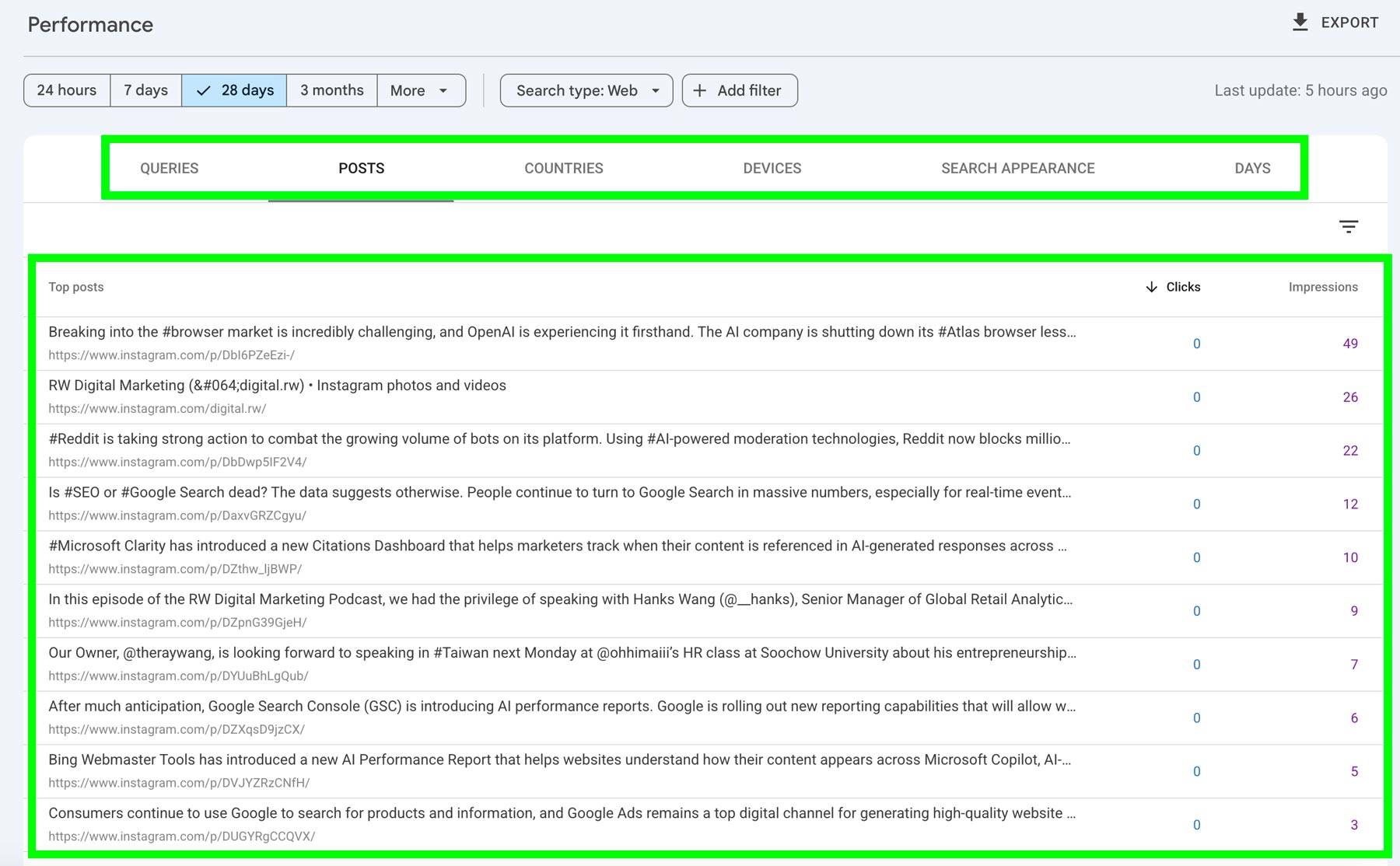
You can now add your Instagram, TikTok, X, and YouTube accounts to Google Search Console (GSC) to view their performance on Google Search and Google Discover.
To add a social media account to Google Search Console:
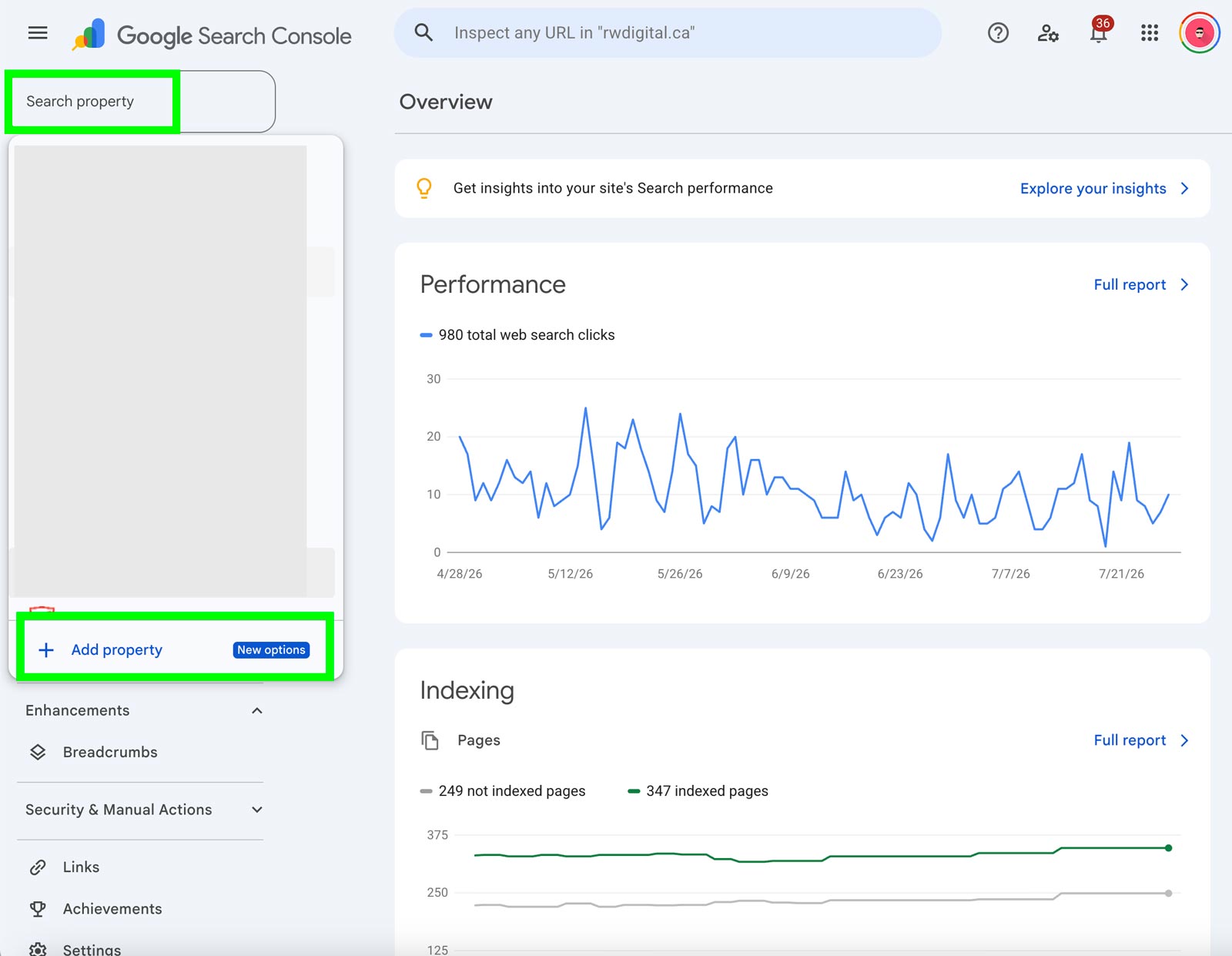
Go to Your GSC Account and Click on Add Property
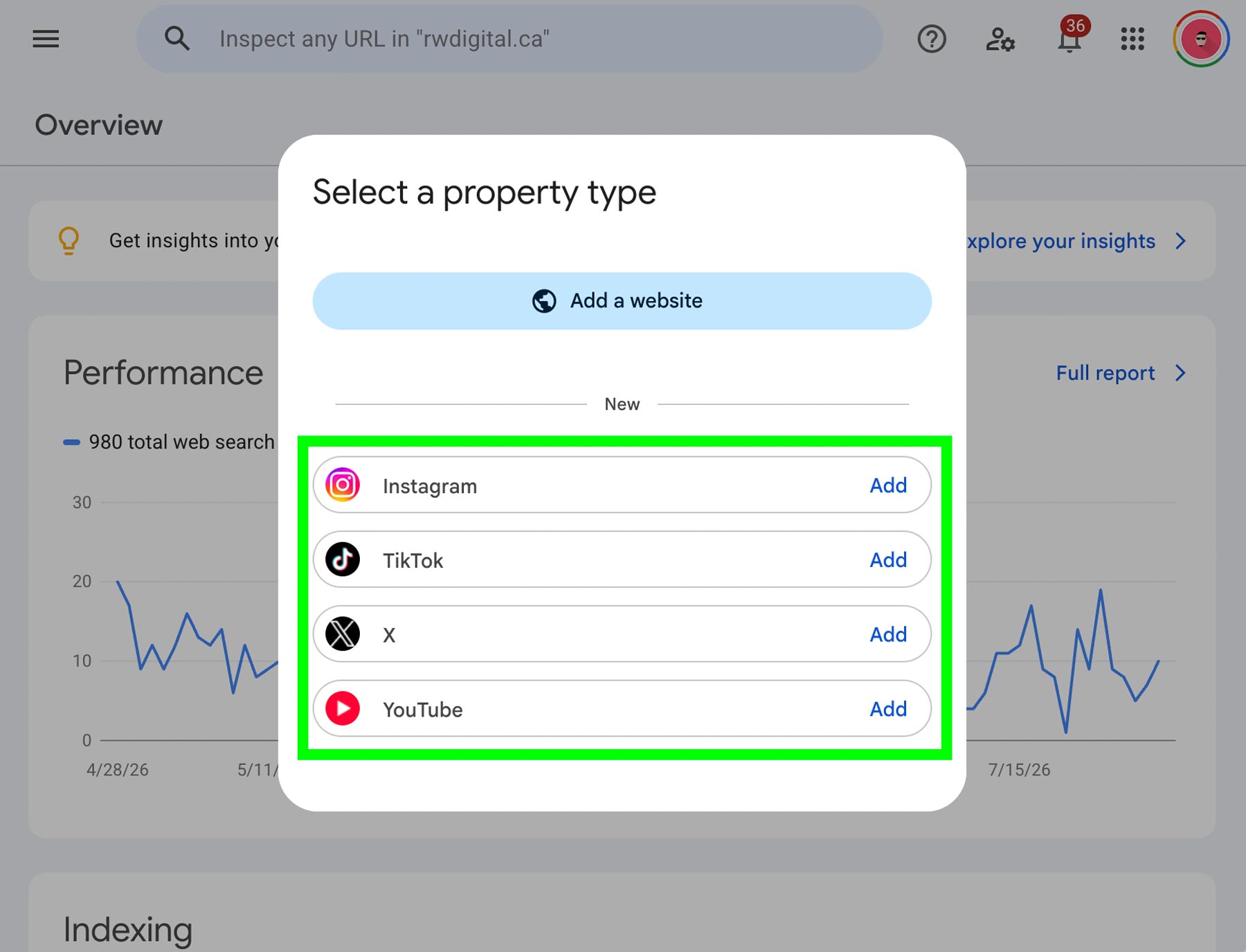
Select the Social Media Account You Want to Connect to GSC
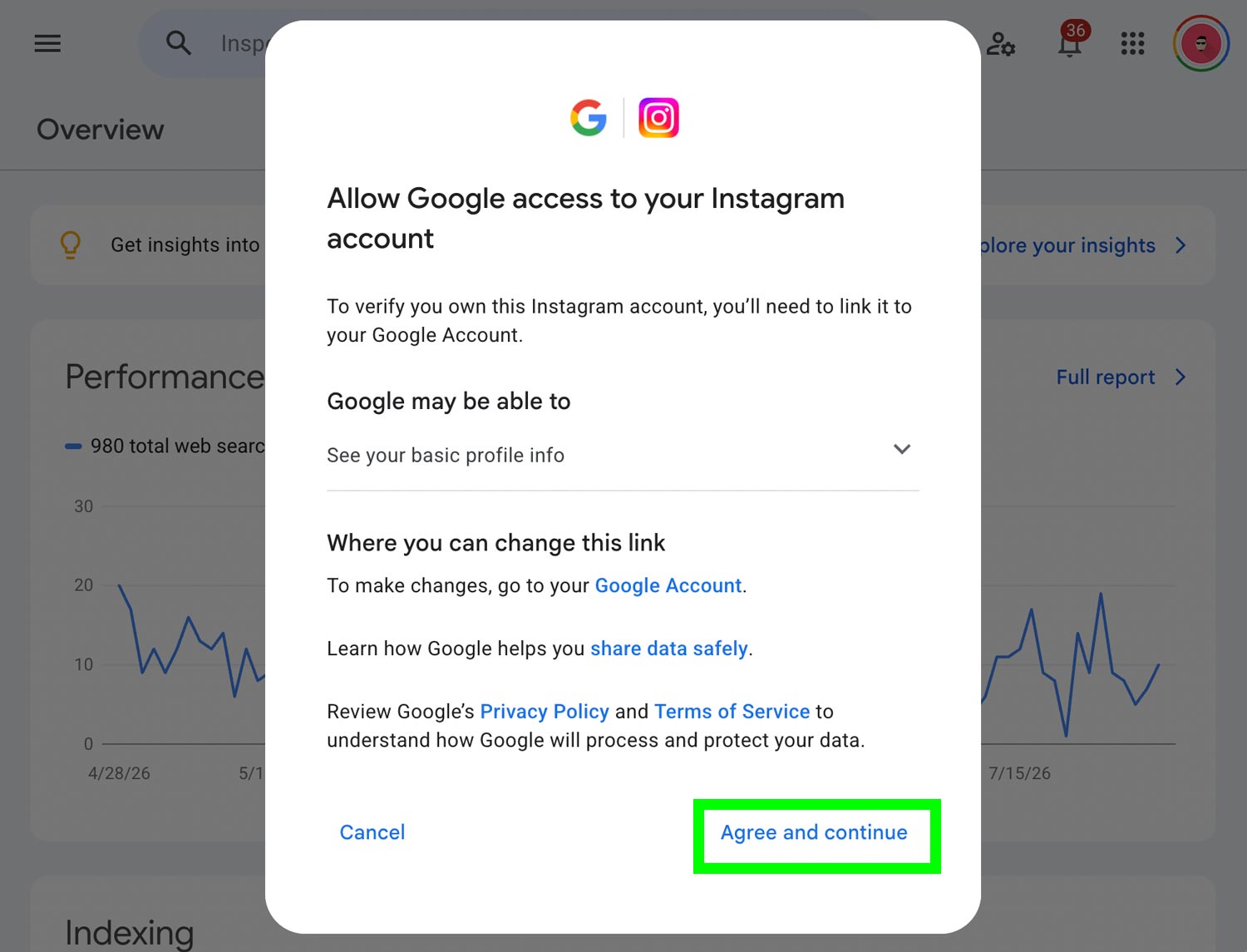
Grant Social Media Account Access to GSC
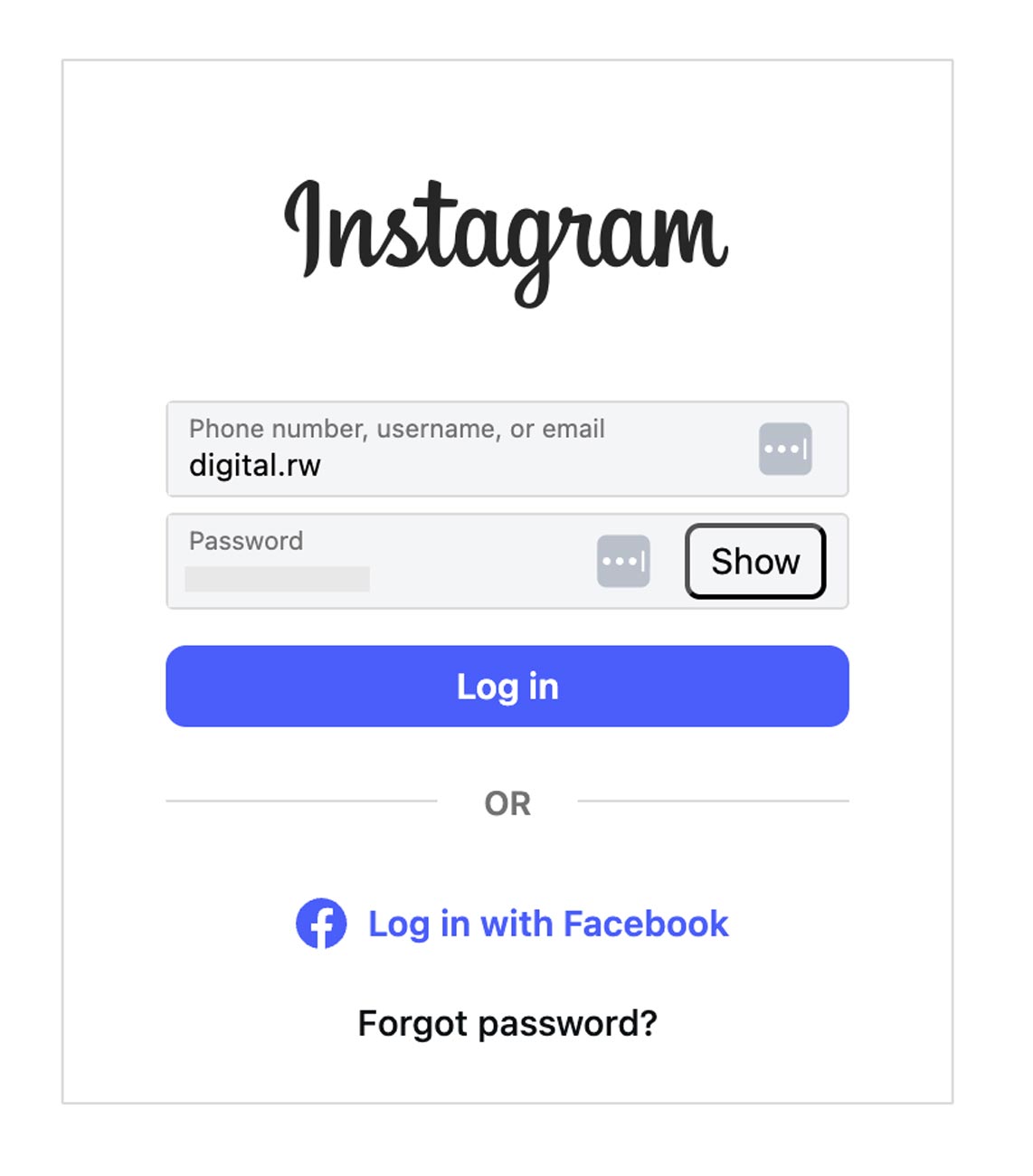
You’ll be prompted to authorize Google Search Console to access your social media account (for example, Instagram). Sign in to your account and grant the requested permissions.
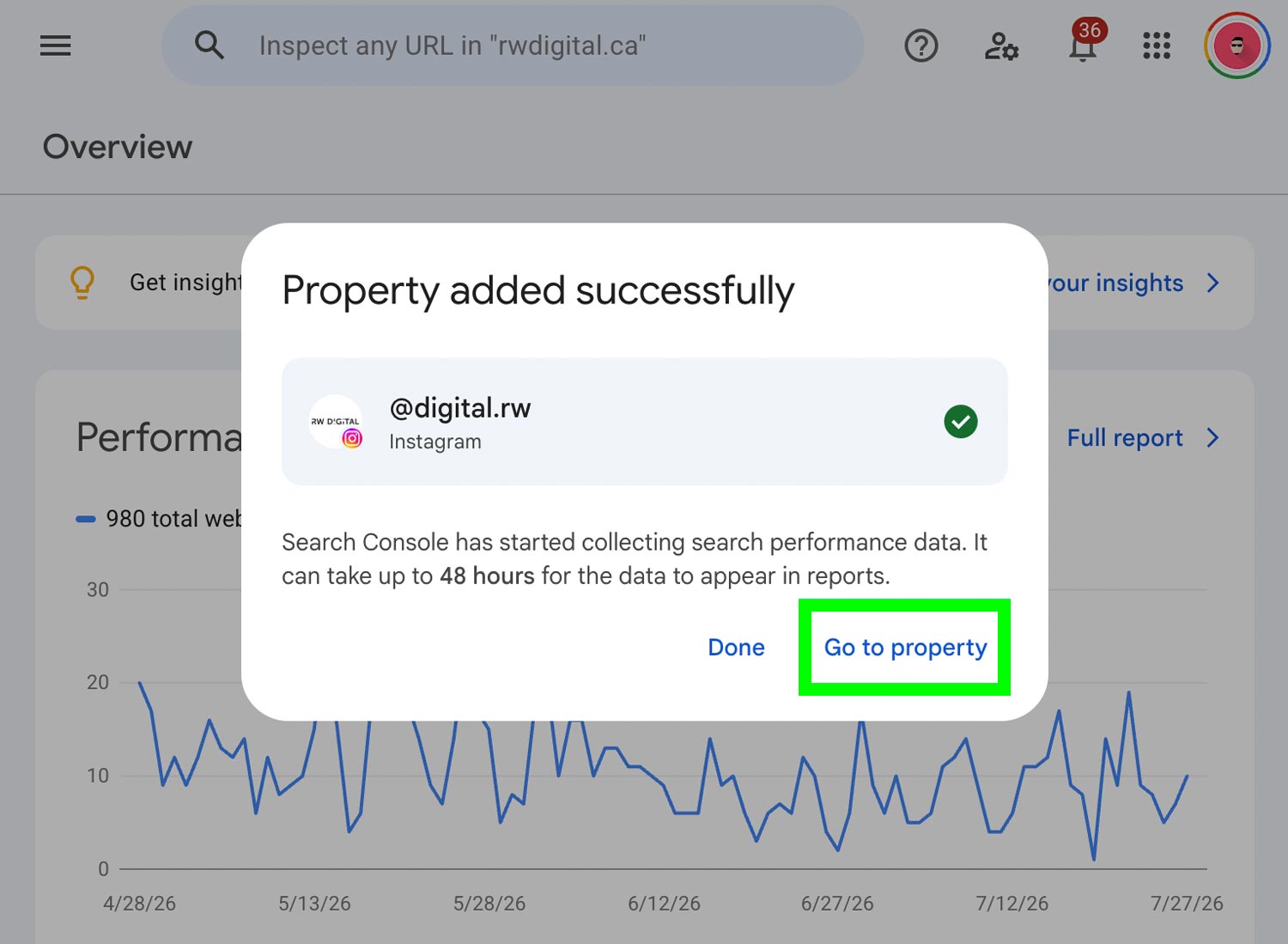
Click on Go to Property
Once access has been granted, your social media account will be linked to Google Search Console. Click Go to property to open the newly linked social media property.
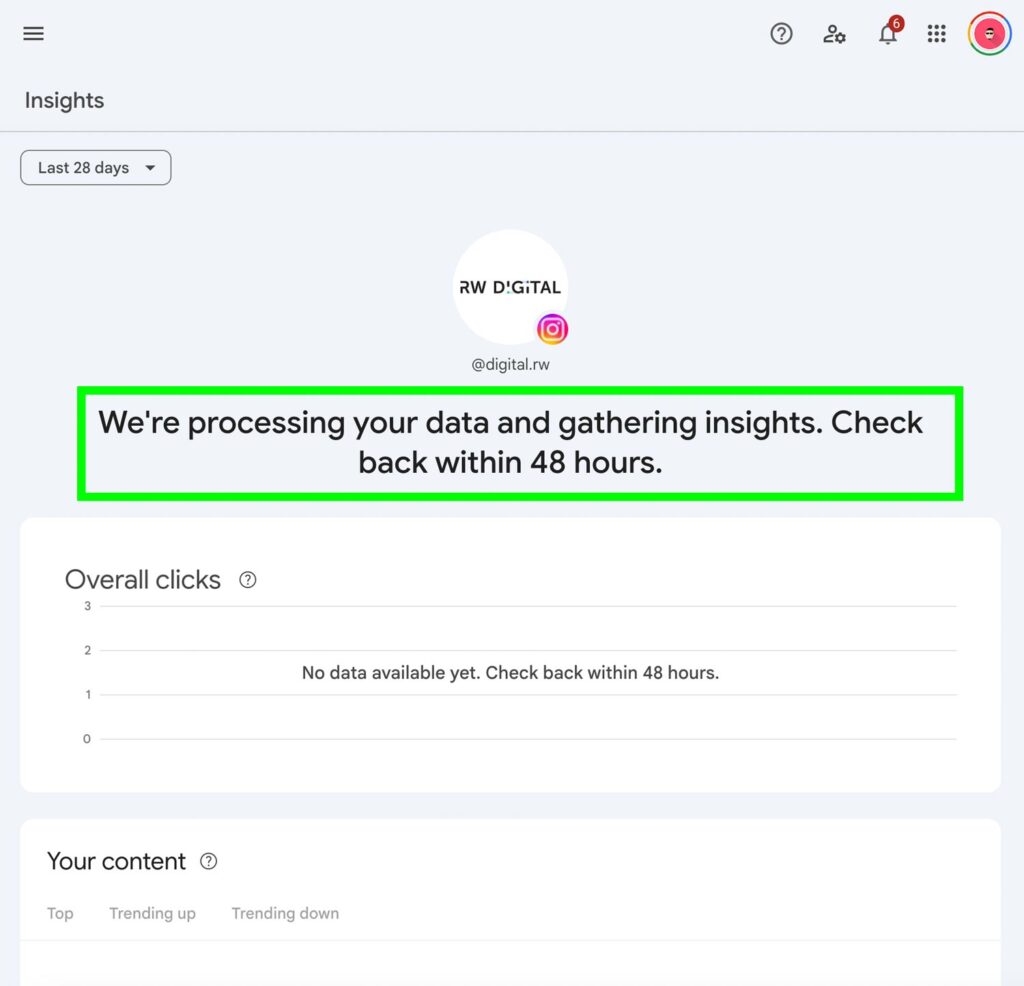
Wait for Social Media Performance Data to Populate
Please note that it can take up to 48 hours for your social media performance data to appear in the Google Search Console property.
Once data starts to populate, you can begin seeing insights such as queries, posts, countries, devices, search appearance, and the days on which your social media posts appear on Google Search or Discover.