If you’re looking to gain quality leads and customers, Google Ads marketing remains a top digital marketing channel to achieve this goal. Here’s how to co create a Google Ads account.
Create and Login Your Google Account
Before creating a Google Ads account, create a Google account first. Very simple and straightforward: https://myaccount.google.com/
Register a Google Ads Account
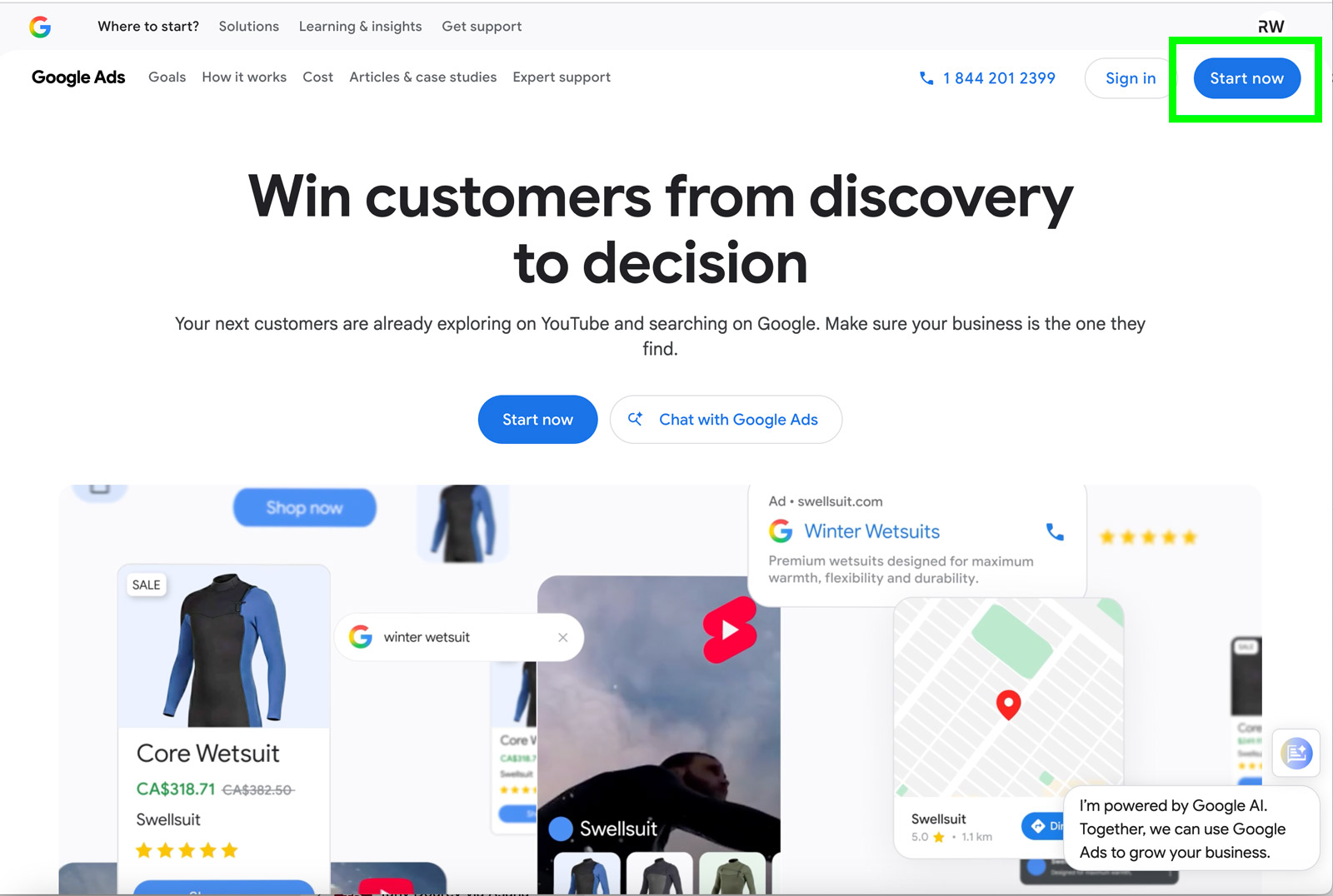
Go to https://business.google.com/ca-en/google-ads/ and click on Register on the top-right hand side.
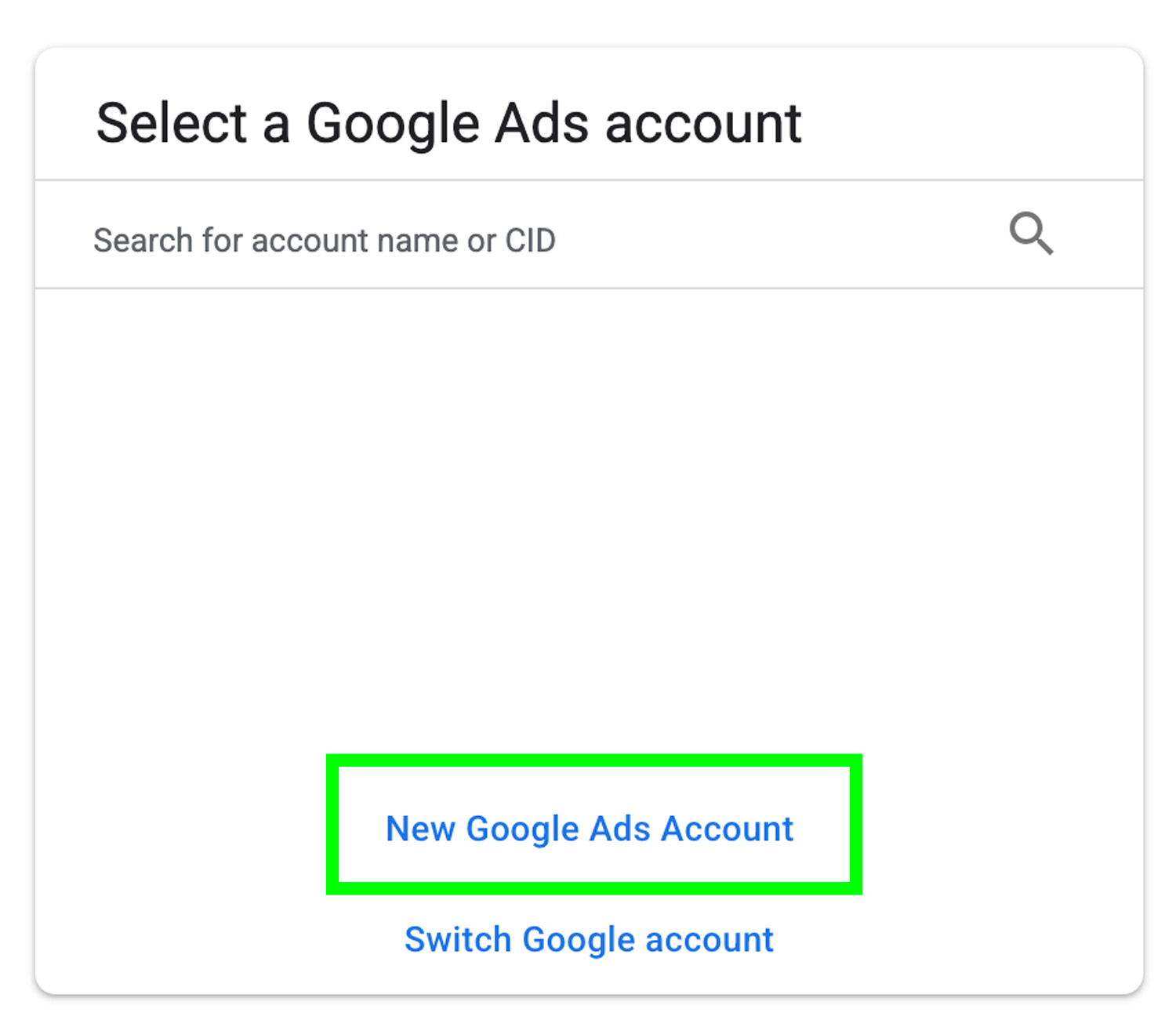
Select Create New Account and Enter Basic Company Information
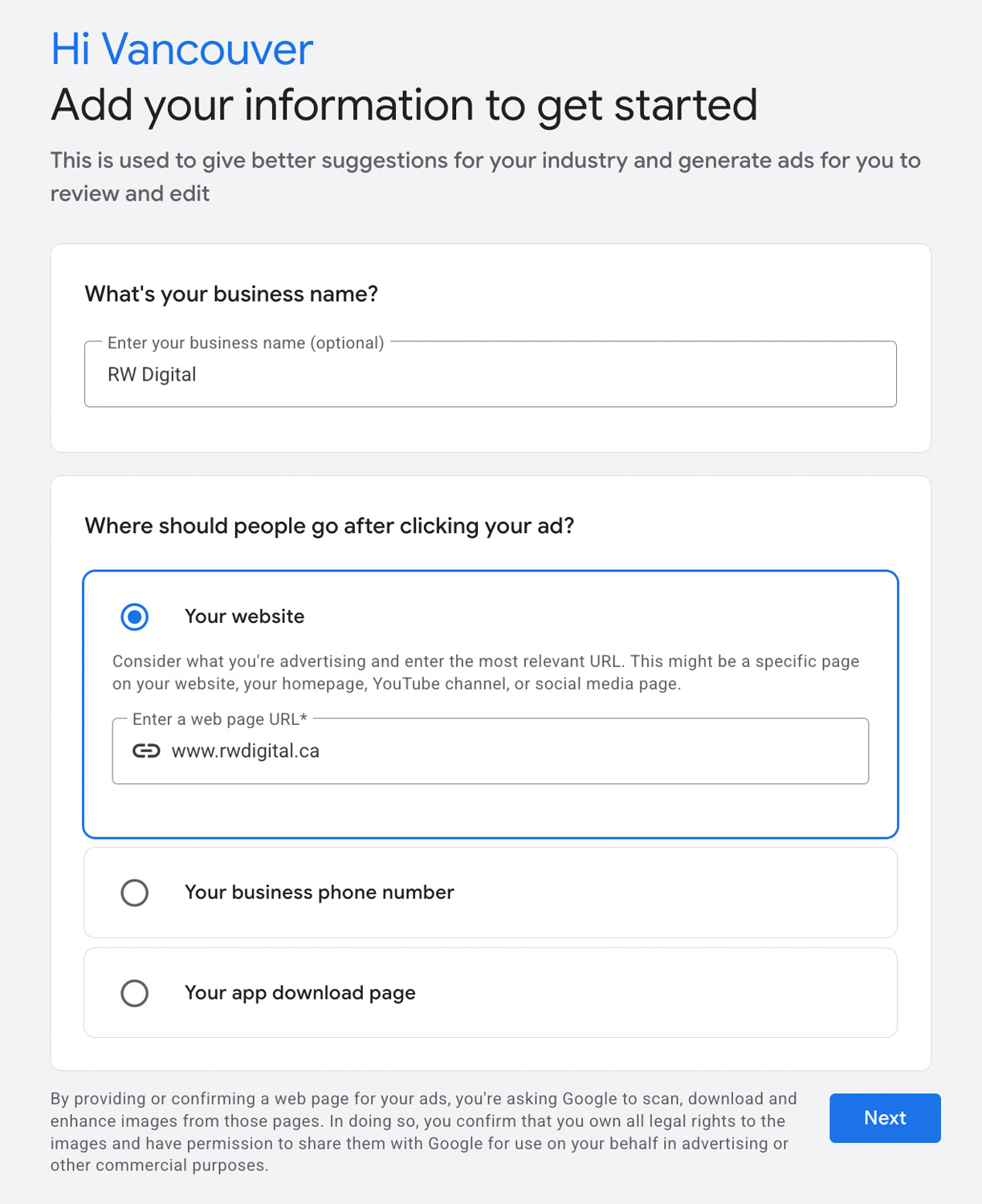
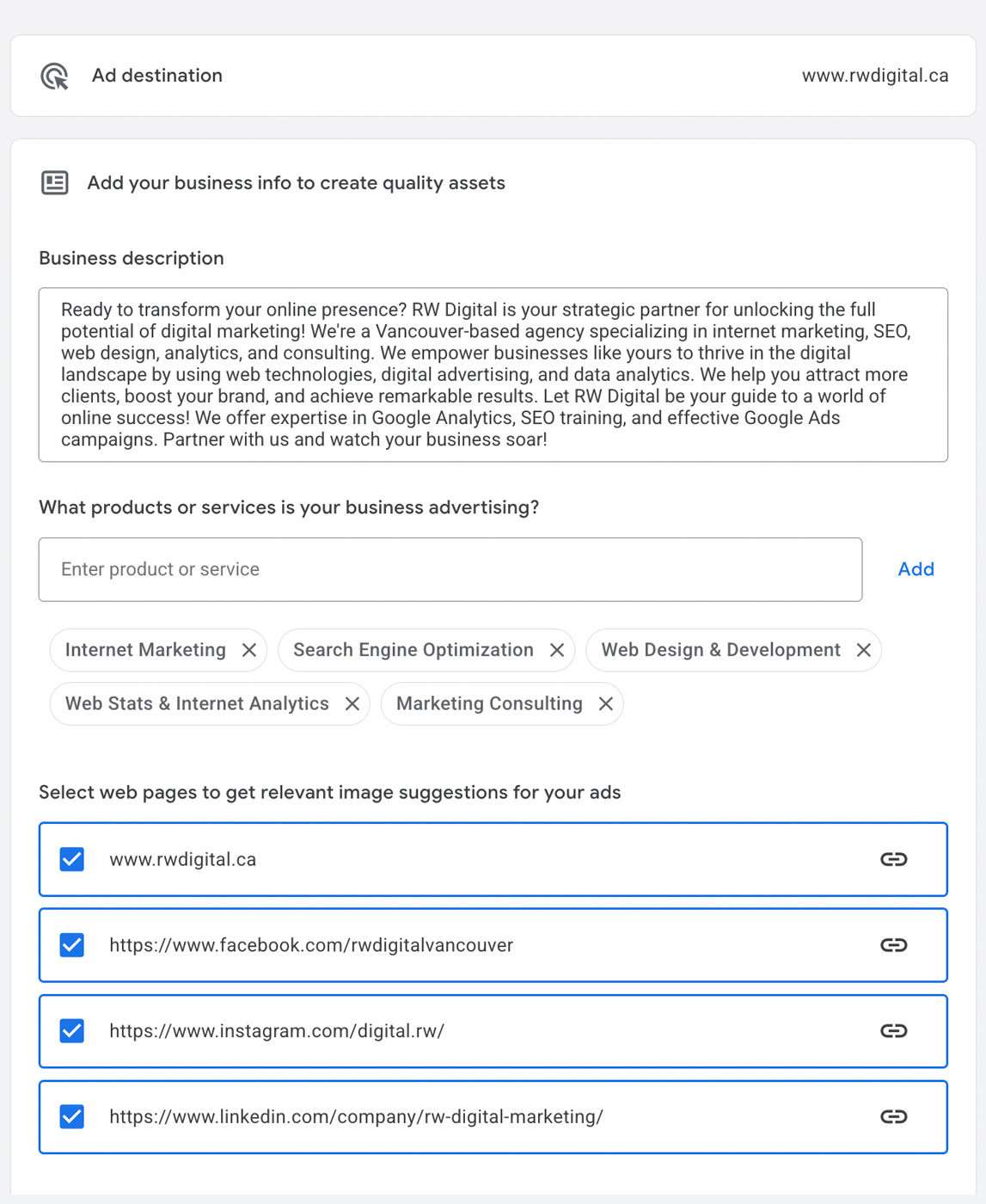
Add Business Info
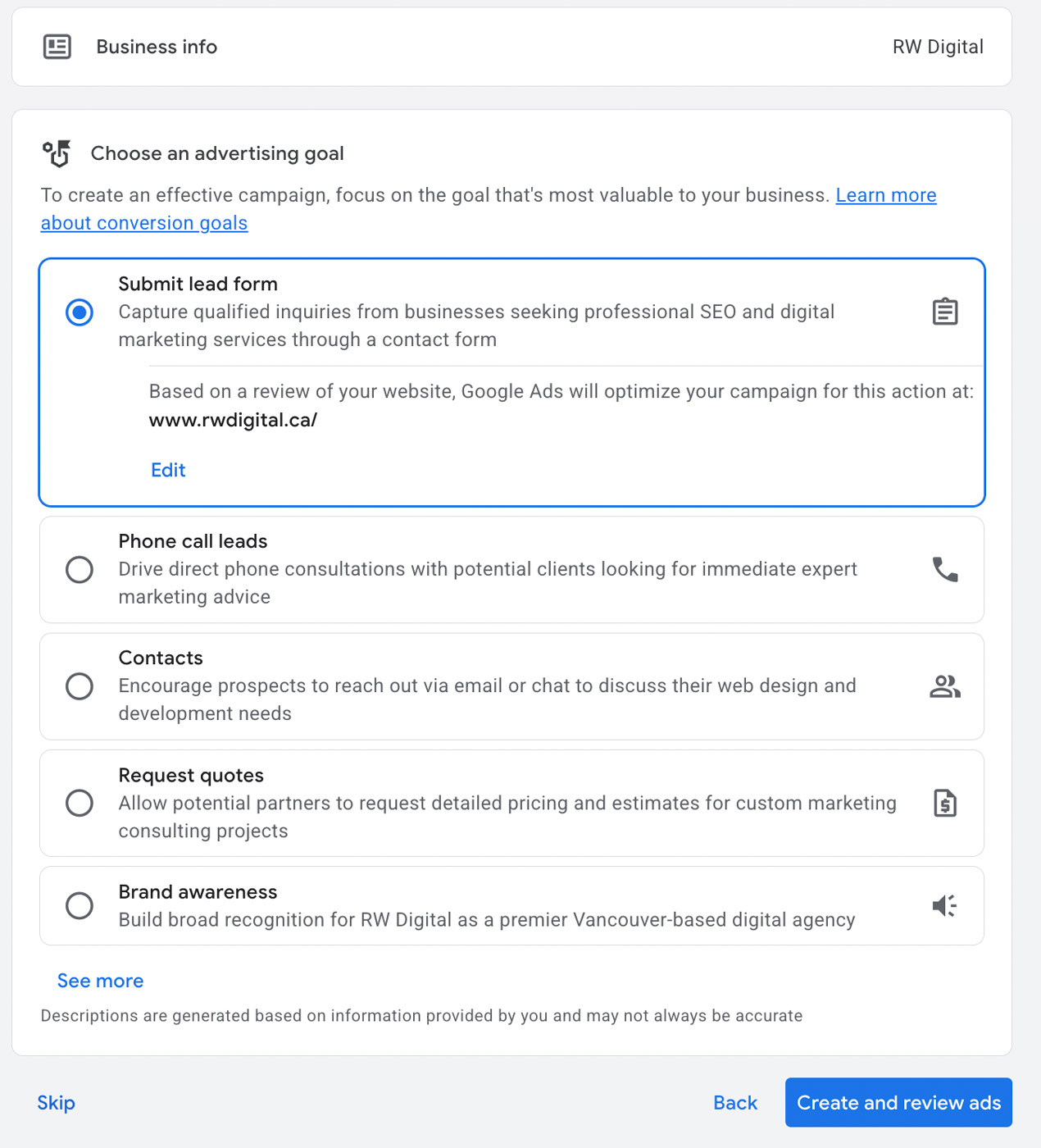
Add Business Goal
You can always come back and change this.
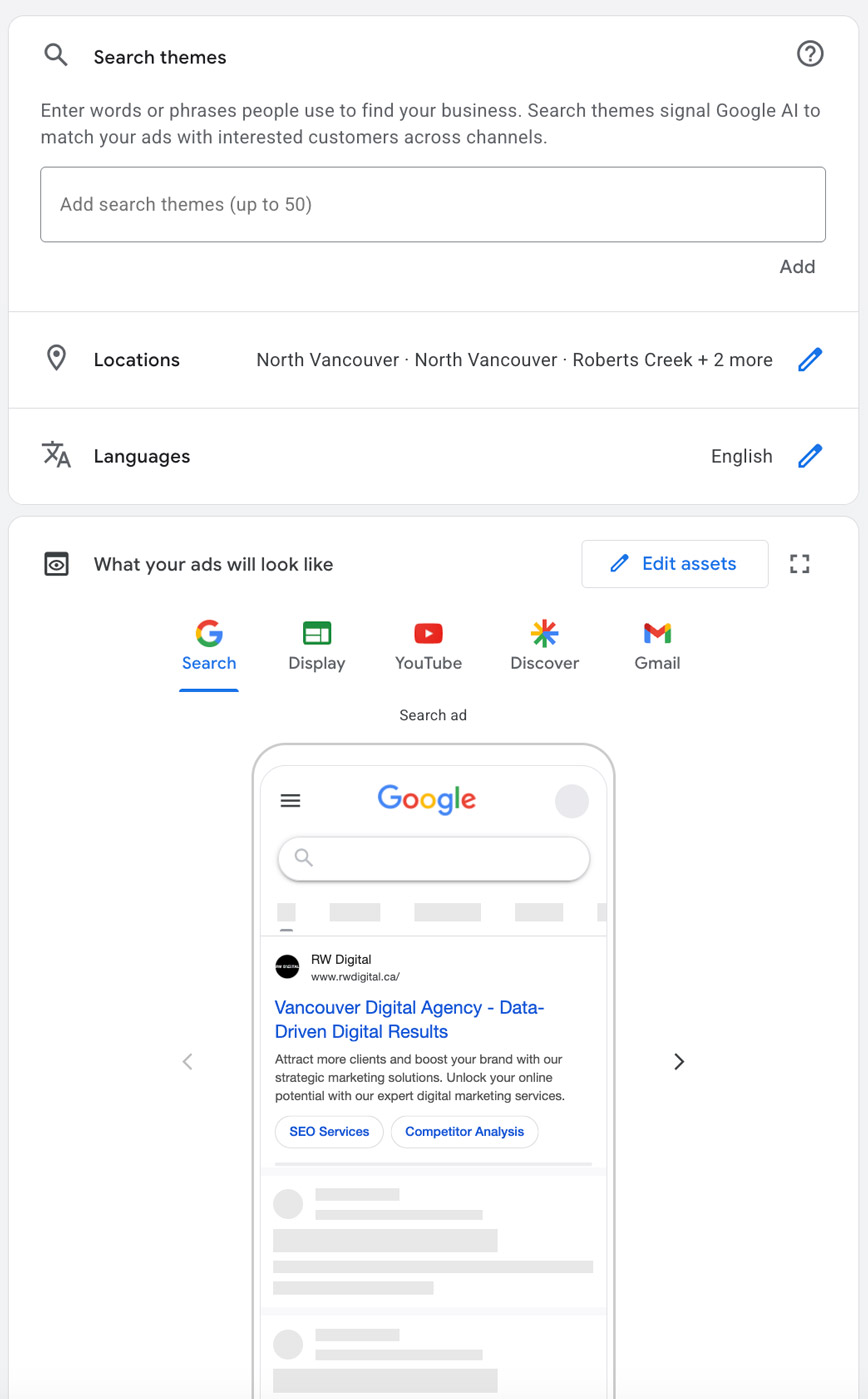
Create Ad Copy or Ad Theme
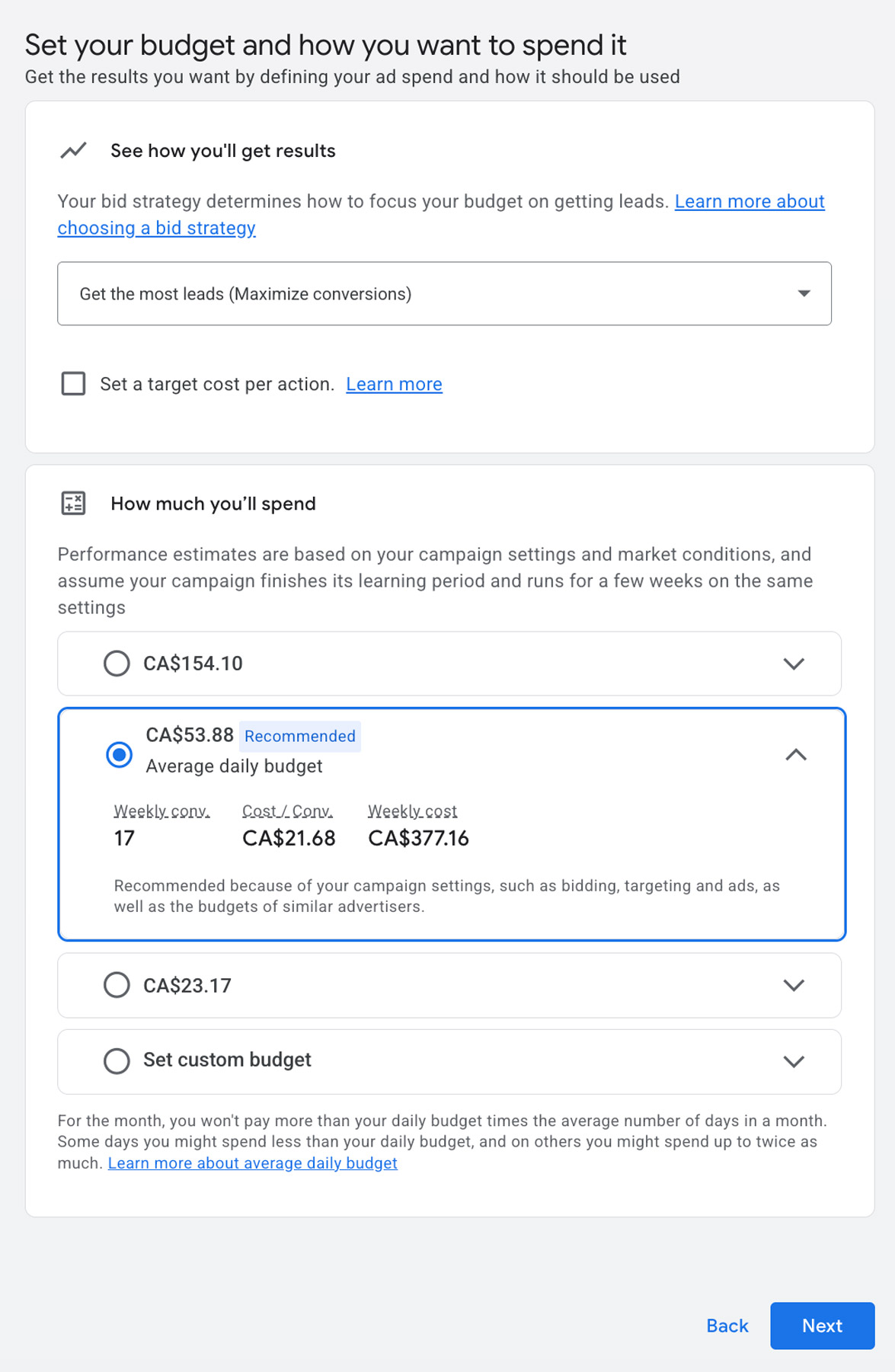
Add Budget
Again, you can change this later on.
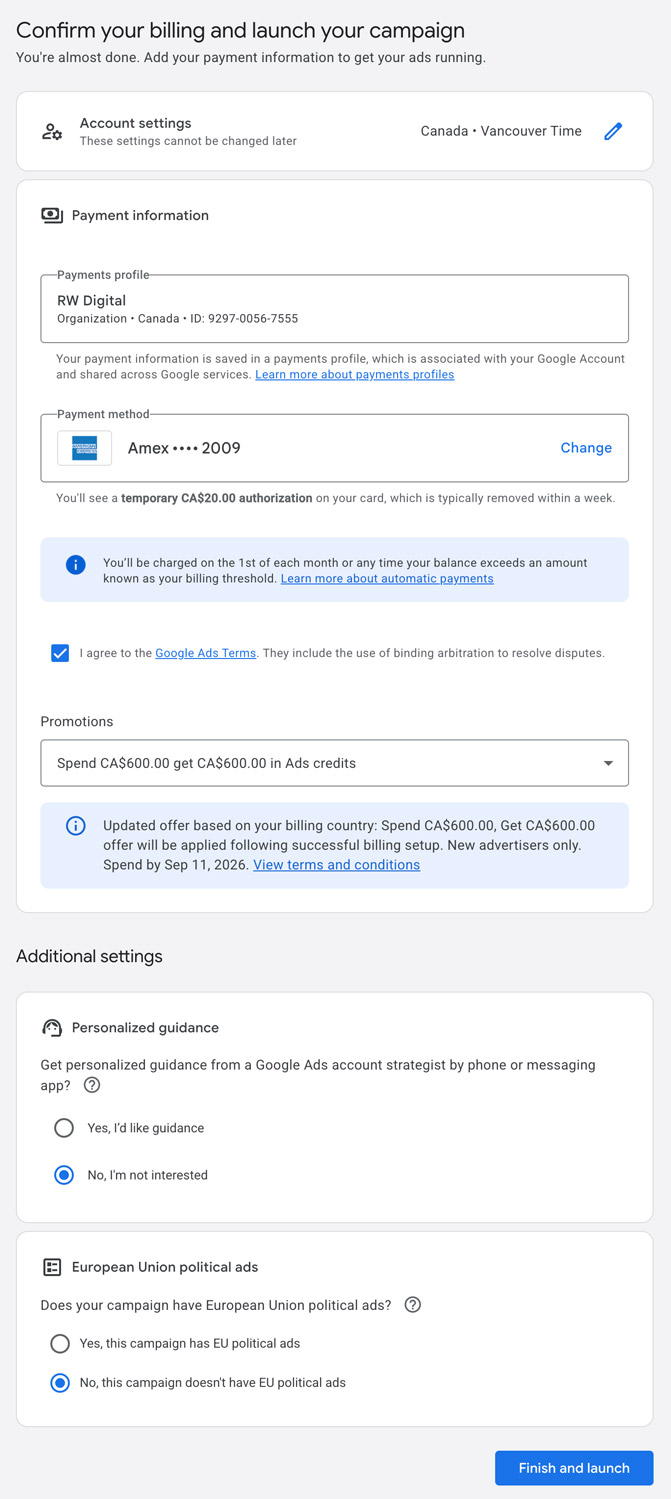
Add Billing Information
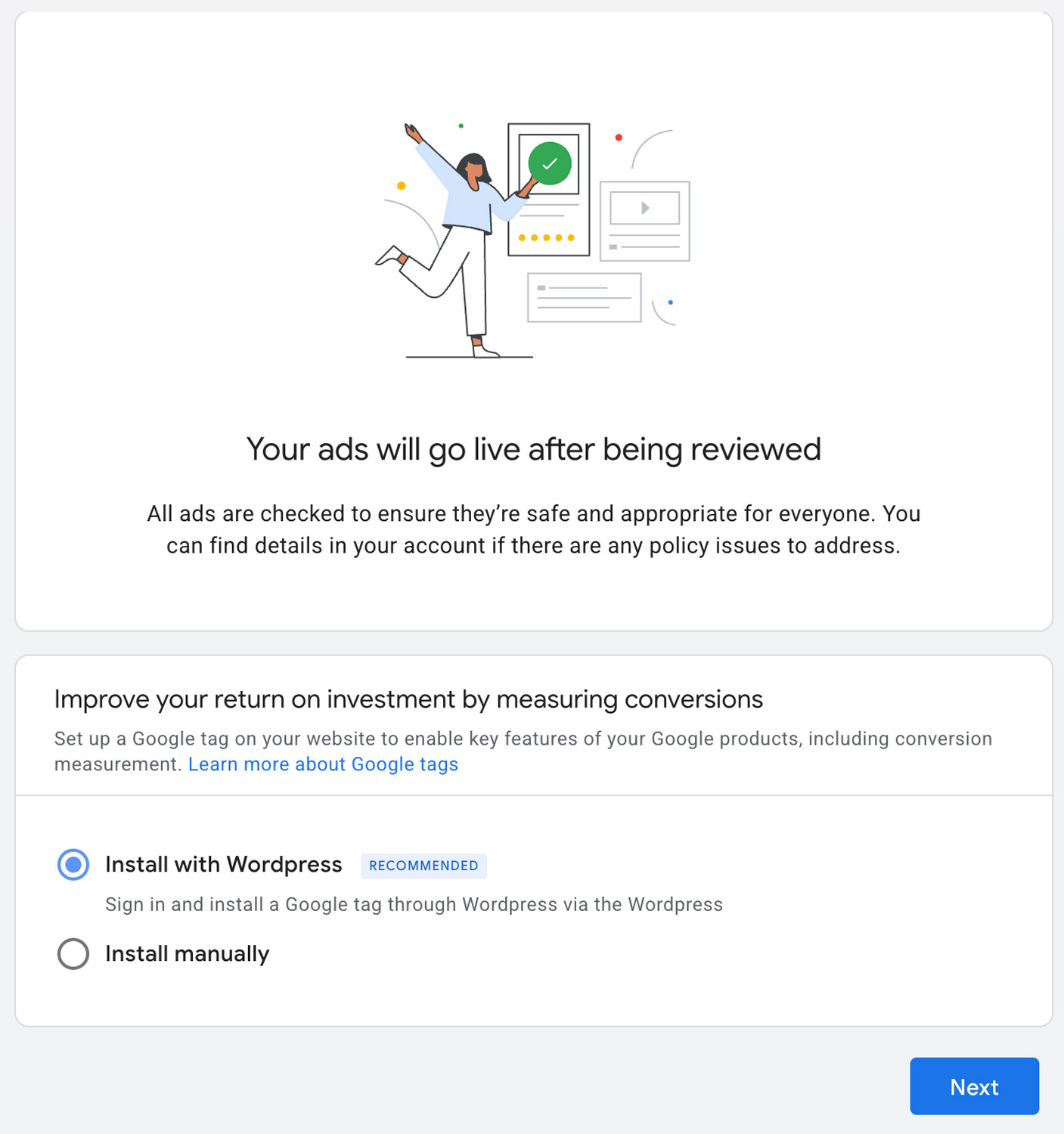
Add Google Tag for Better Measurement and Data Accuracy
You can implement later on but it’s highly recommended to do so.
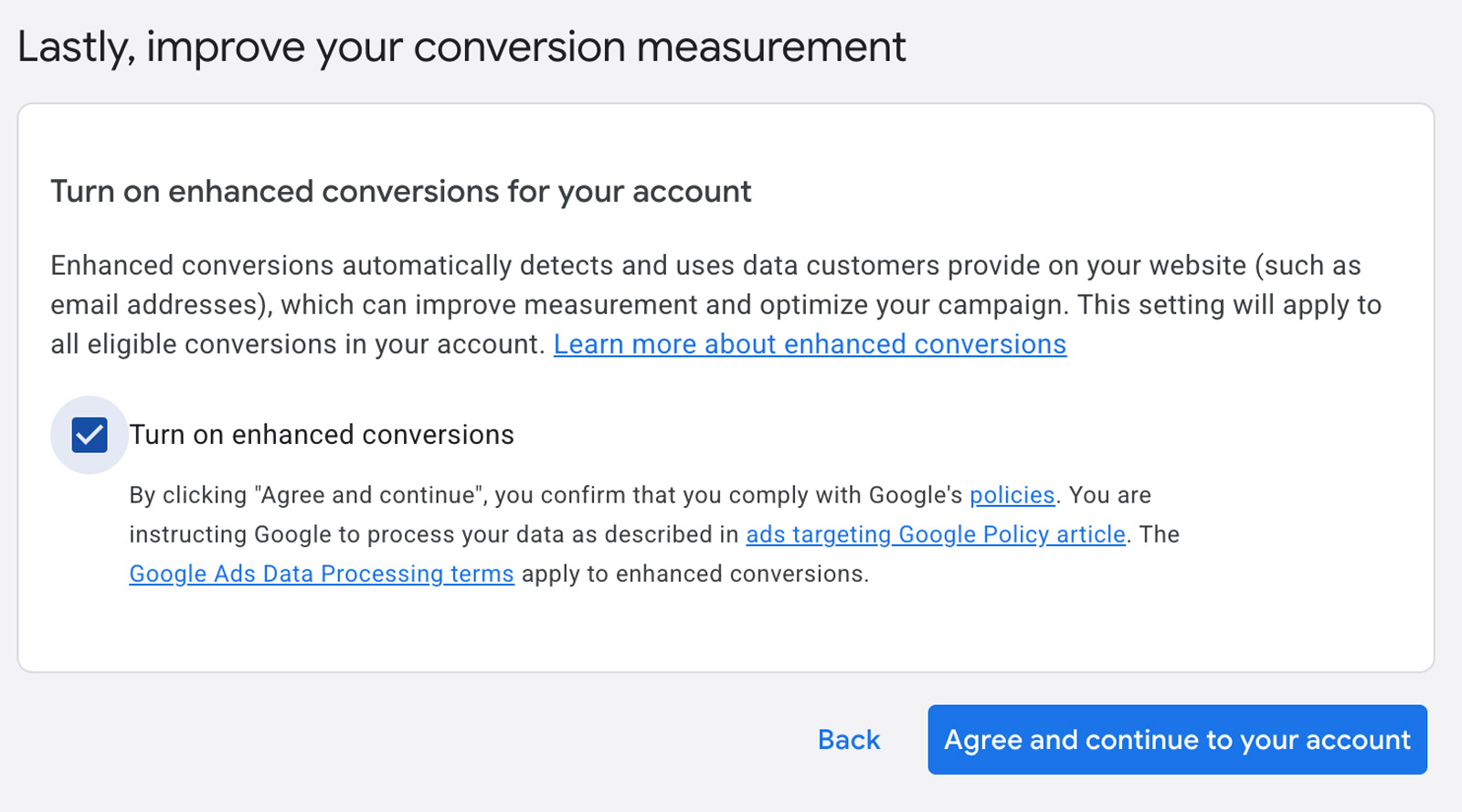
Select Agree and Continue to Your Account
Once created, you’ll be taken to your Google Ads overview.
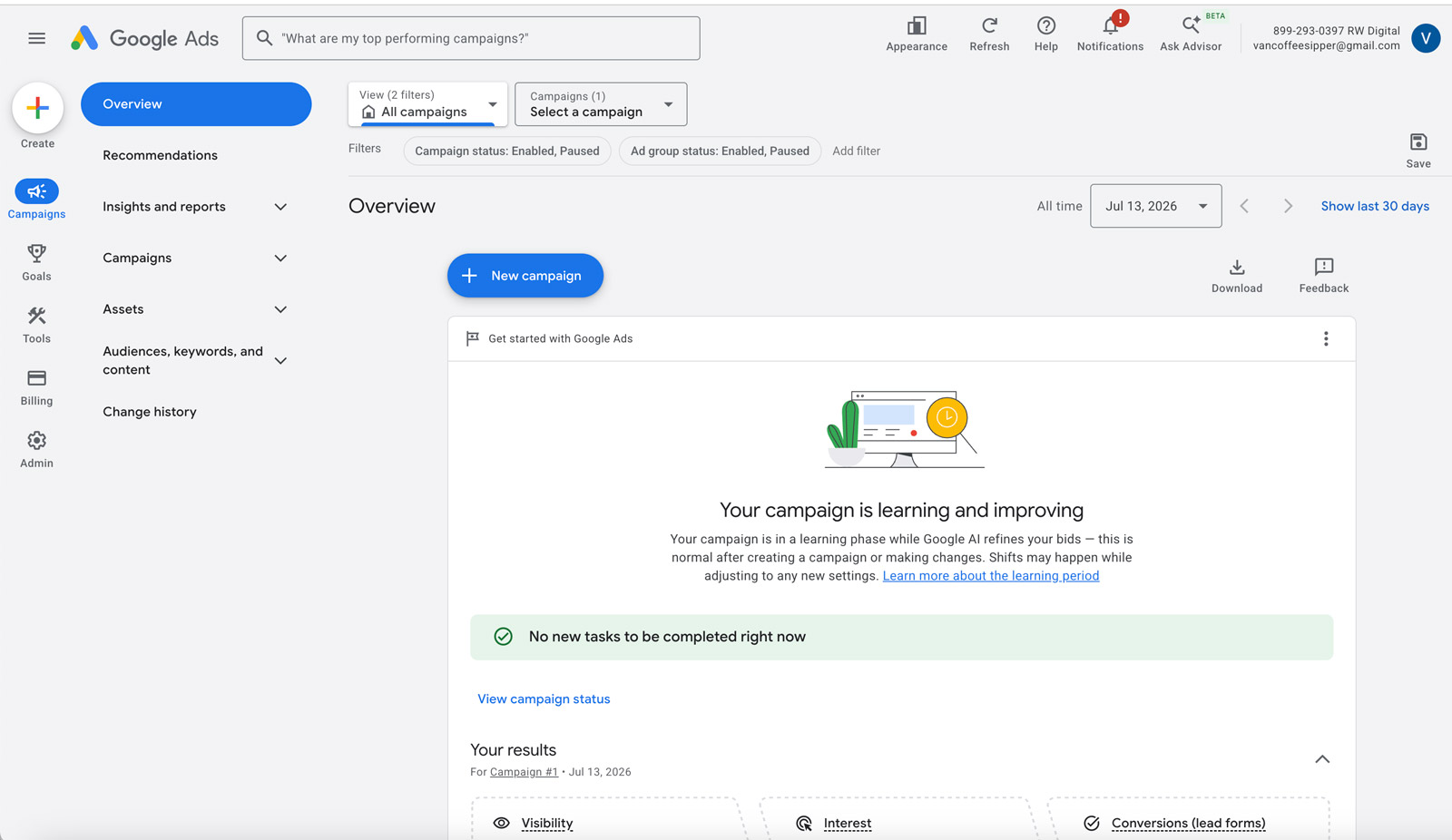
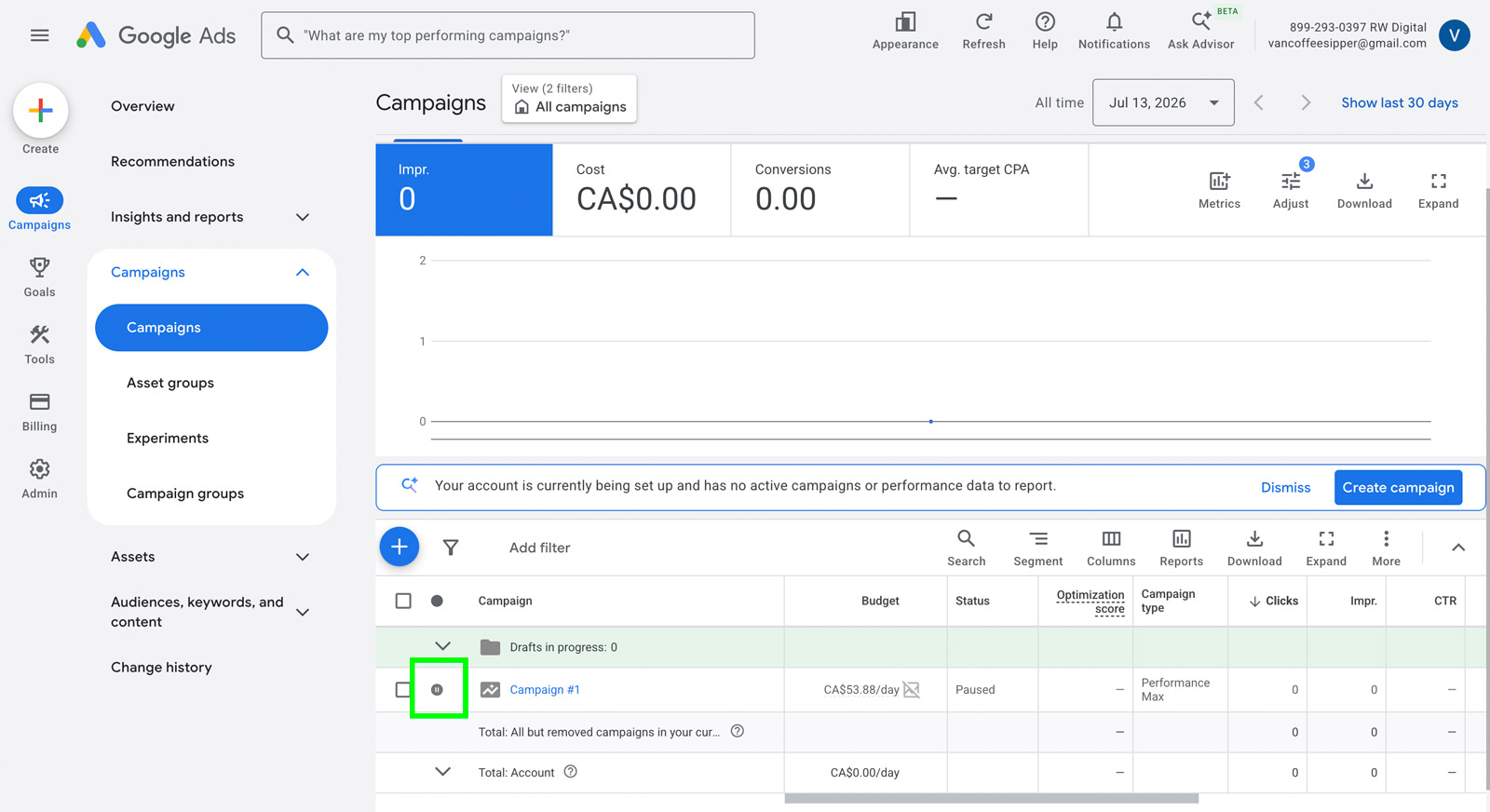
Then, go to the Campaigns section and pause the campaign that you’ve created since it’s likely a dummy campaign and you don’t want to pay for clicks to that campaign.