
Microsoft has rolled out new metrics in Bing Webmaster Tools’ AI Performance Report. The new metrics are:
Intents, Topics, Citation Share, and Compare. What does each mean?
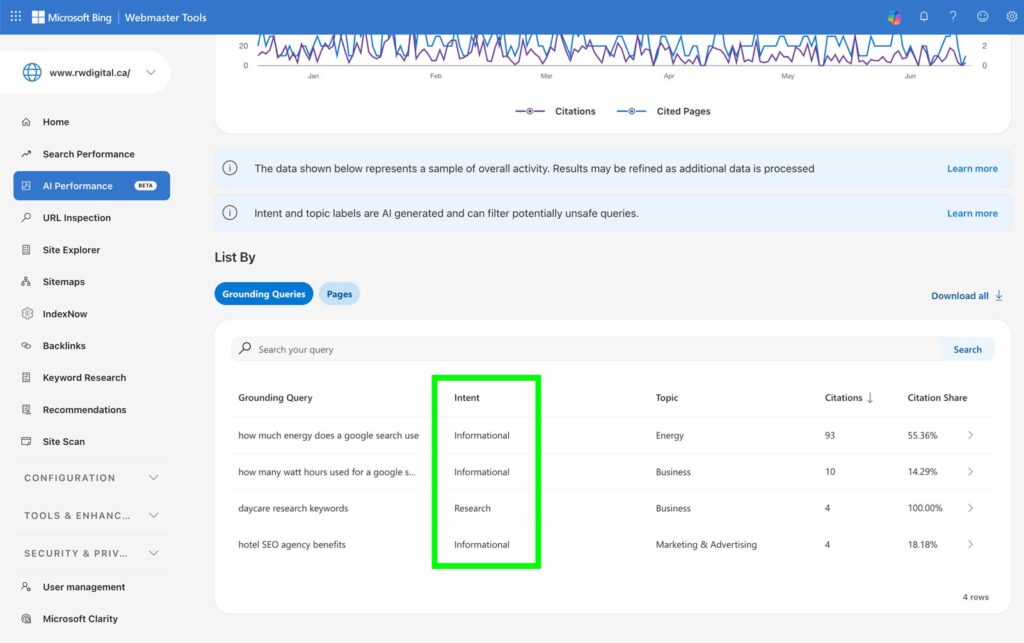
Intents
This feature categorizes queries into broader categories such as Informational, Commercial, Navigational, Learn and Solve, Research, Creation, Local, and more. It helps businesses better understand the intent behind a prompt or query.
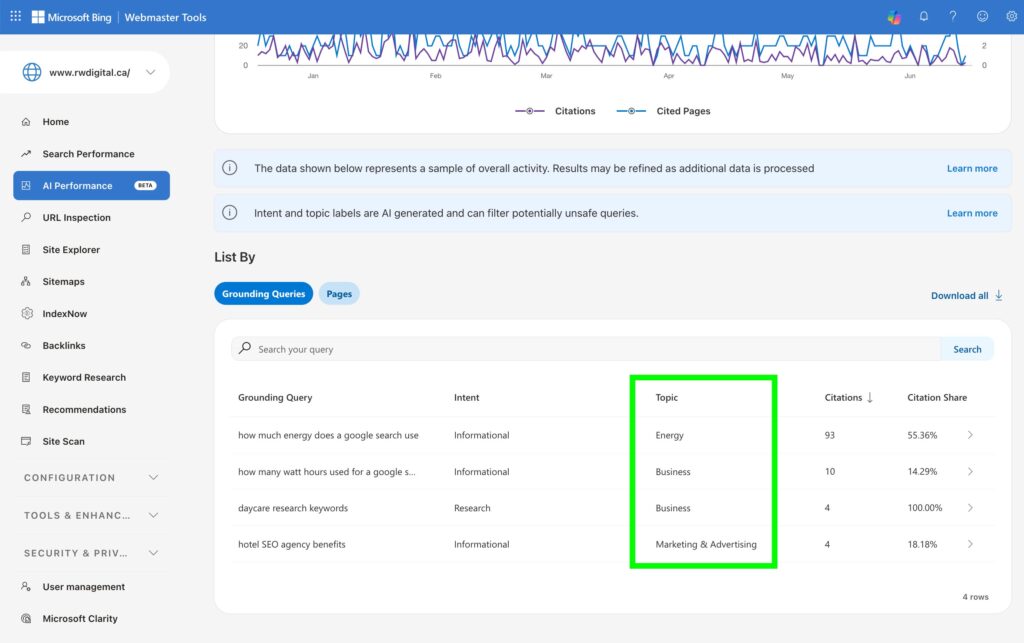
Topics
This metric groups related queries into thematic clusters. It helps website owners understand the types of topics for which their content is gaining visibility.
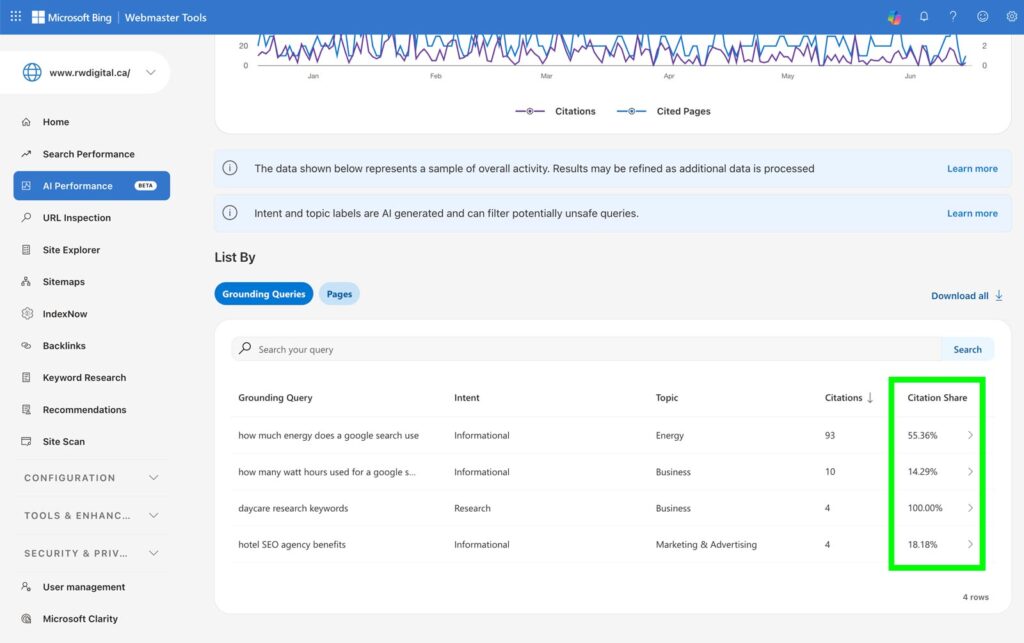
Citation Share
This metric shows your content’s citation share, which represents the portion of citations your website receives for a particular query. The share is calculated as the percentage of citations attributed to your website out of all citations shown across all websites for that same query. This metric helps website owners understand how much visibility they are receiving within the full set of cited sources for that query.
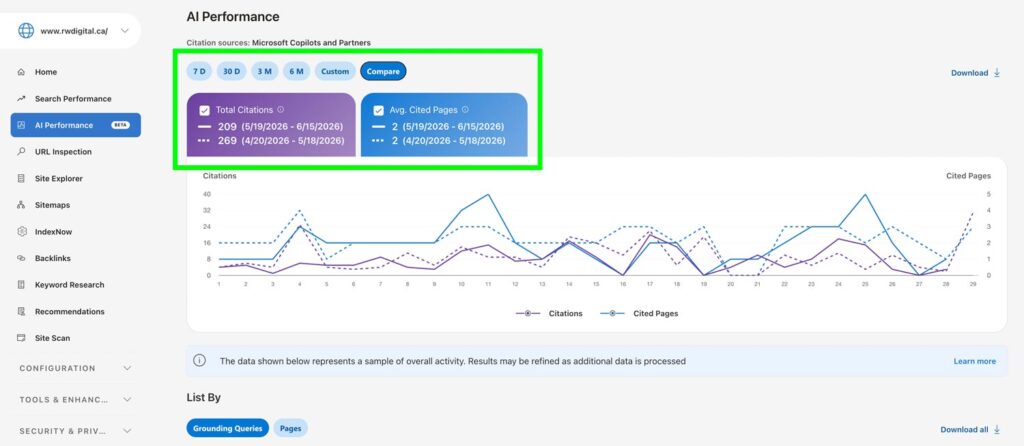
Compare
This feature helps you observe changes over time, since citation activity can be influenced by a number of factors, such as evolving AI models, competing content, freshness signals, and changes in user demand.
This is another great step toward helping us collect AI search data and better understand how AI search influences our business. It also helps us identify opportunities to leverage AI search to engage with our target audiences more effectively.