
Google Ads has recently introduced an AI-powered feature called Google Ads Advisor that lets you enter prompts and ask for data analysis, recommendations, and campaign insights.
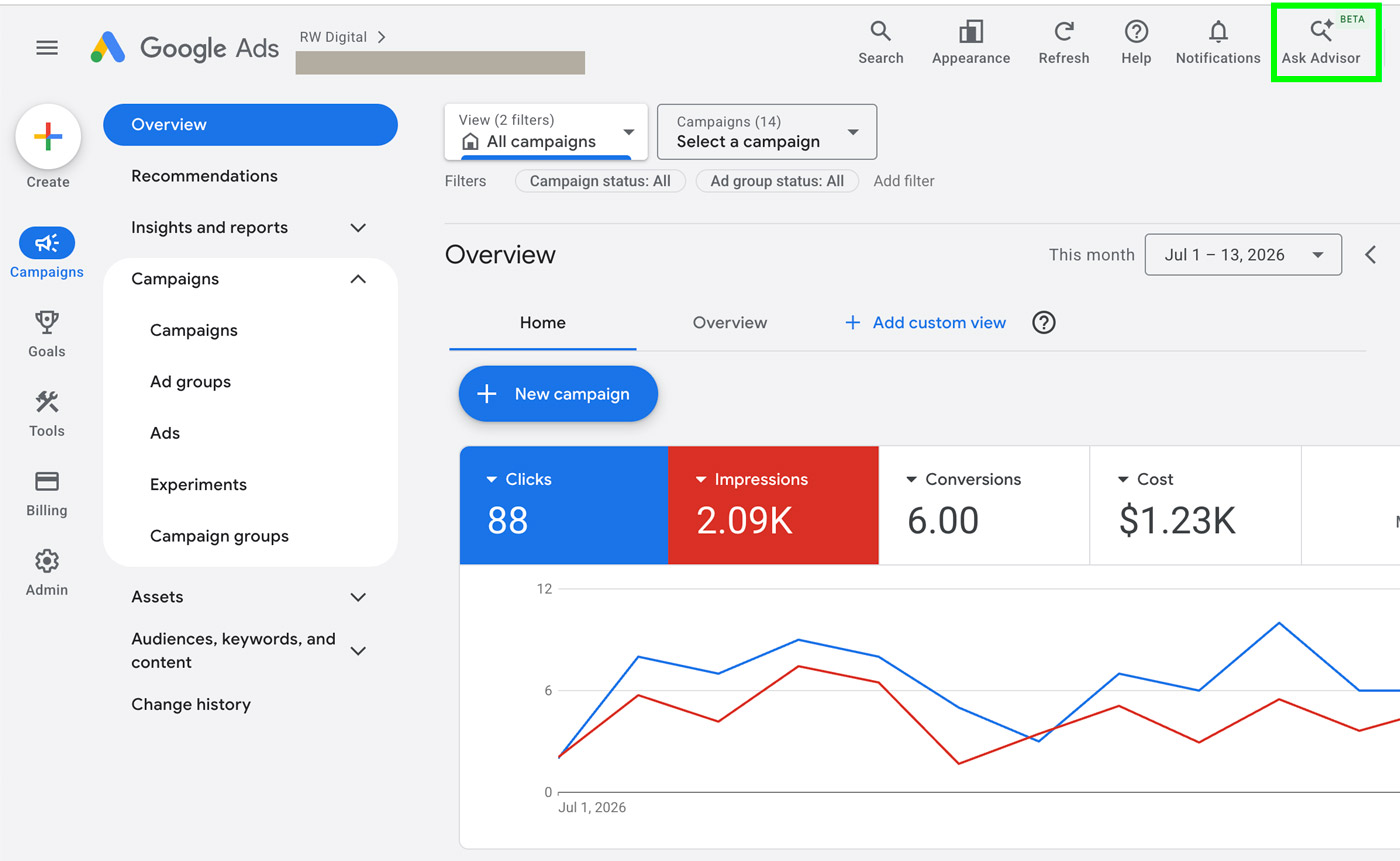
To use Google Ads Advisor, click the Ask Advisor icon in the top-right corner of your Google Ads account.
Once you click the icon, a chat window will appear. From there, you can enter a prompt such as “provide a summary report for the last 60 days.”
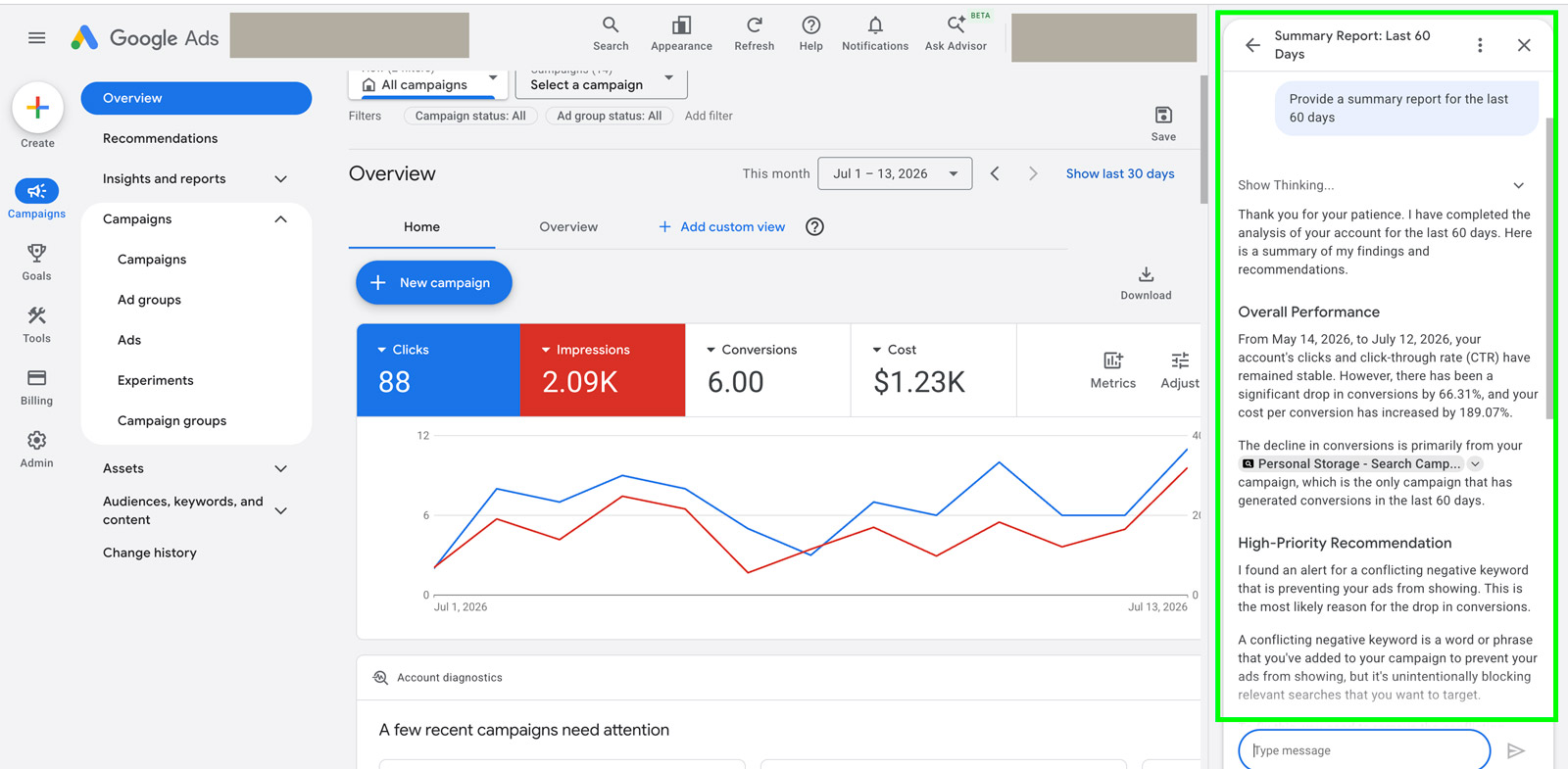
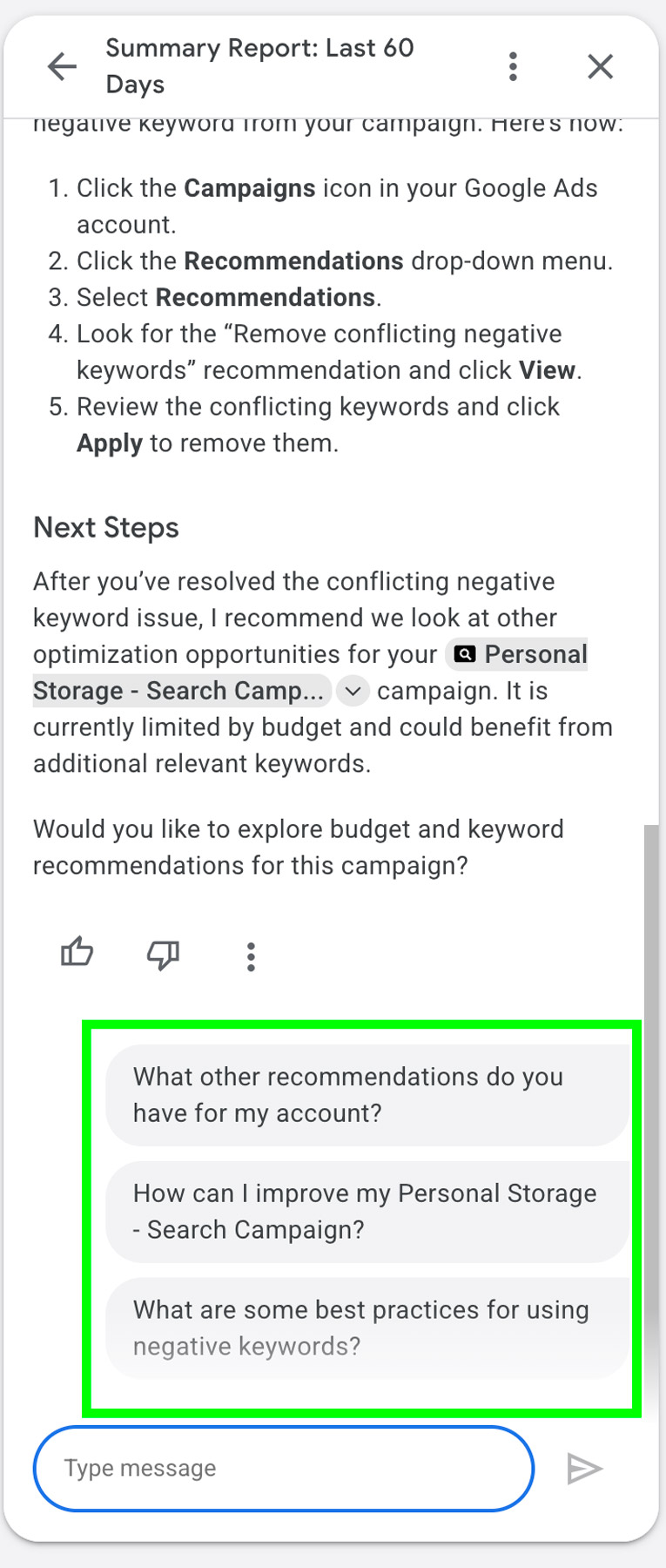
After the Advisor generates a response, it will suggest follow-up questions that you can click to continue the conversation and explore your campaign performance in more detail.
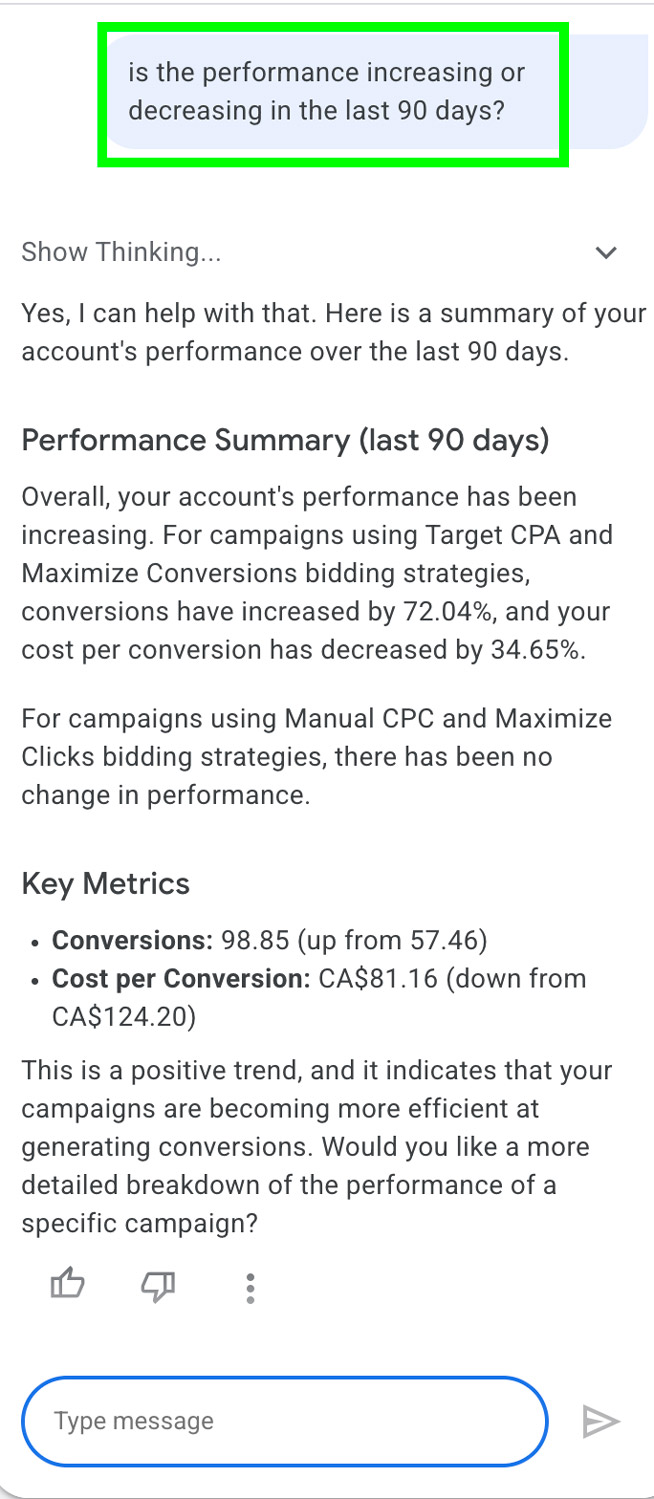
You can also type your own follow-up questions, such as “is my performance increasing or decreasing over the last 90 days?”
If you’re looking for more hands-on recommendations, you can ask prompts like “Can you suggest headlines for my personal storage campaign?”
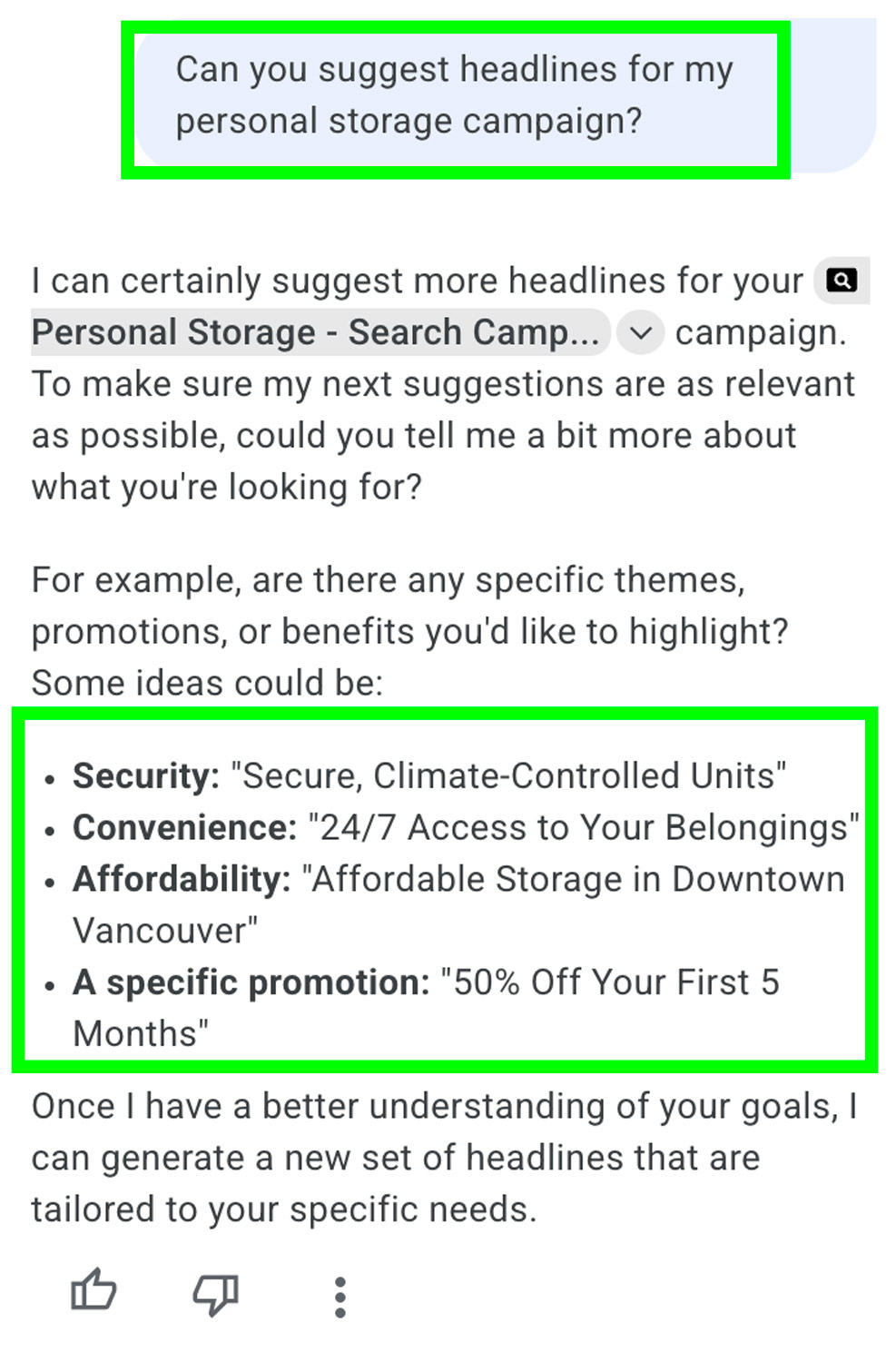
Google Ads Advisor is a helpful tool for gaining high-level insights into your campaign performance and generating optimization ideas. However, like any AI-powered tool, its responses may occasionally be inaccurate or lack important context. Always review its suggestions carefully and verify the data before making campaign changes. Think of Advisor as a starting point for analysis and brainstorming rather than a replacement for human expertise. If you want help with your Google Ads campaigns, please feel free to get in touch and our Google Ads consultant will be happy to help!