
Google Gemini now lets you connect to your Google Business Profile (GBP) and analyze your profile’s local SEO performance using prompts.
You can connect one GBP at a time and ask Google Gemini for insights, trends, and recommendations. While some responses may not always be completely accurate, Gemini provides a useful high-level overview and a starting point for analyzing your GBP performance. It’s still important to double-check the insights and dig deeper into the data yourself.
To connect Google Gemini with your GBP account, go to Google Gemini and enter @Google Business Profile into the prompt.
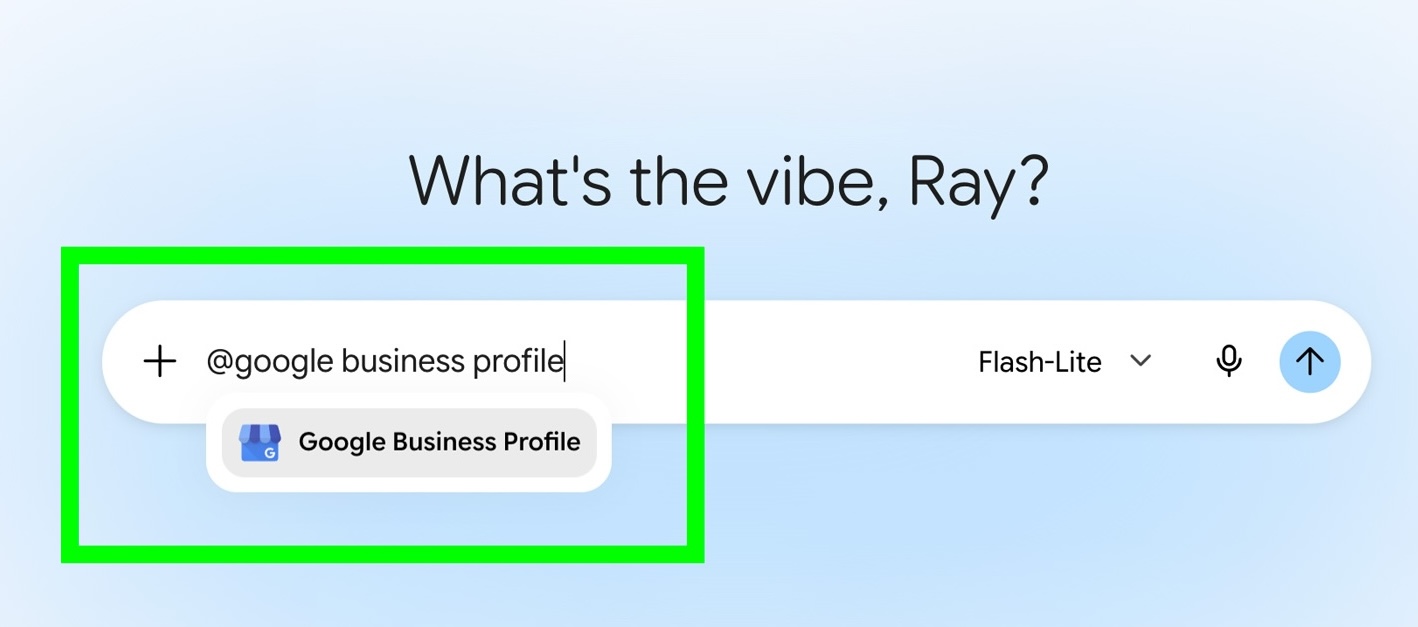
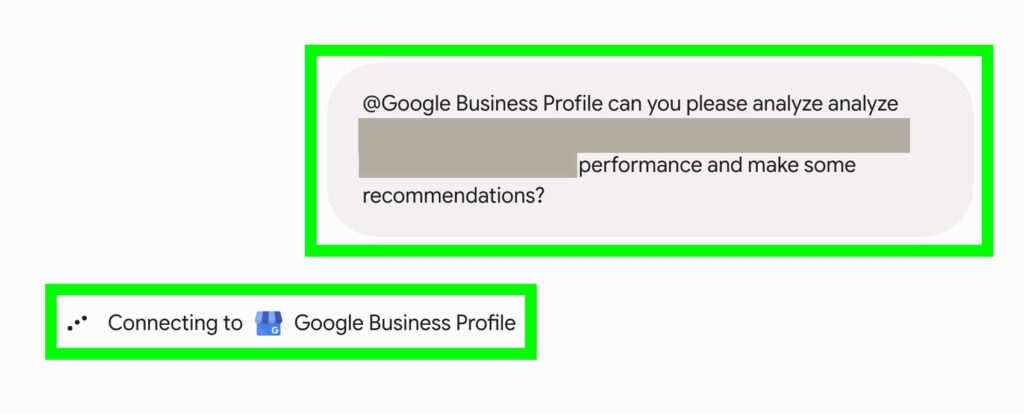
Then, enter a prompt such as, “Can you please analyze the performance of [name of the Google Business Profile account] and make some recommendations?” to analyze a GBP account’s performance. Once you submit the prompt, Google Gemini will connect to the selected GBP account.
Once connected, Google Gemini will analyze the account and present results like these.
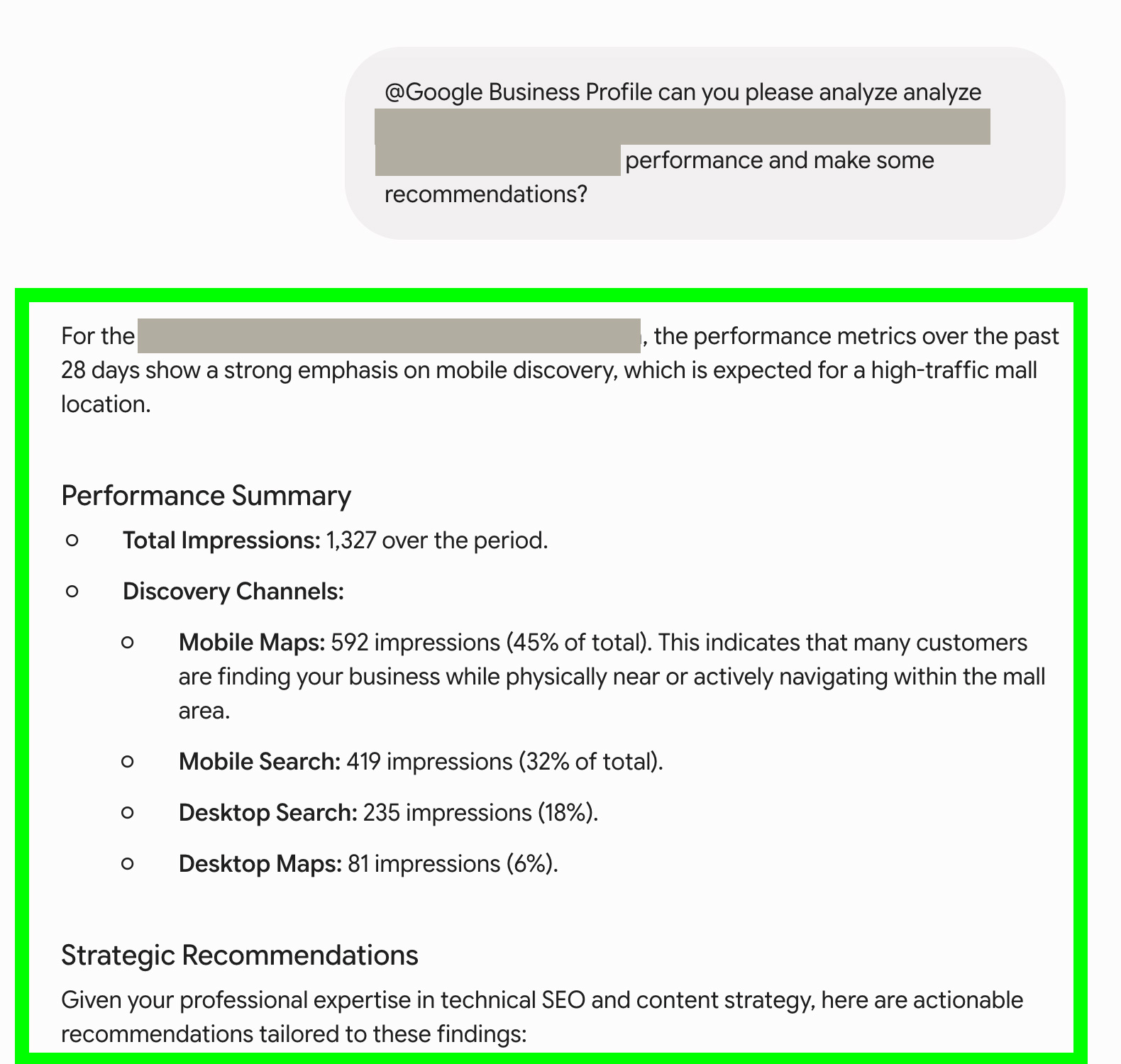
Use these insights as a starting point for analyzing your GBP account, but be sure to verify the results yourself, as AI tools can hallucinate and provide inaccurate information.