
Google Search Console has introduced and begun testing its AI-powered configuration tool. The tool lets you ask questions about your performance reports, and it generates answers for you. The answers can better understand your SEO results and insights to optimize the results.
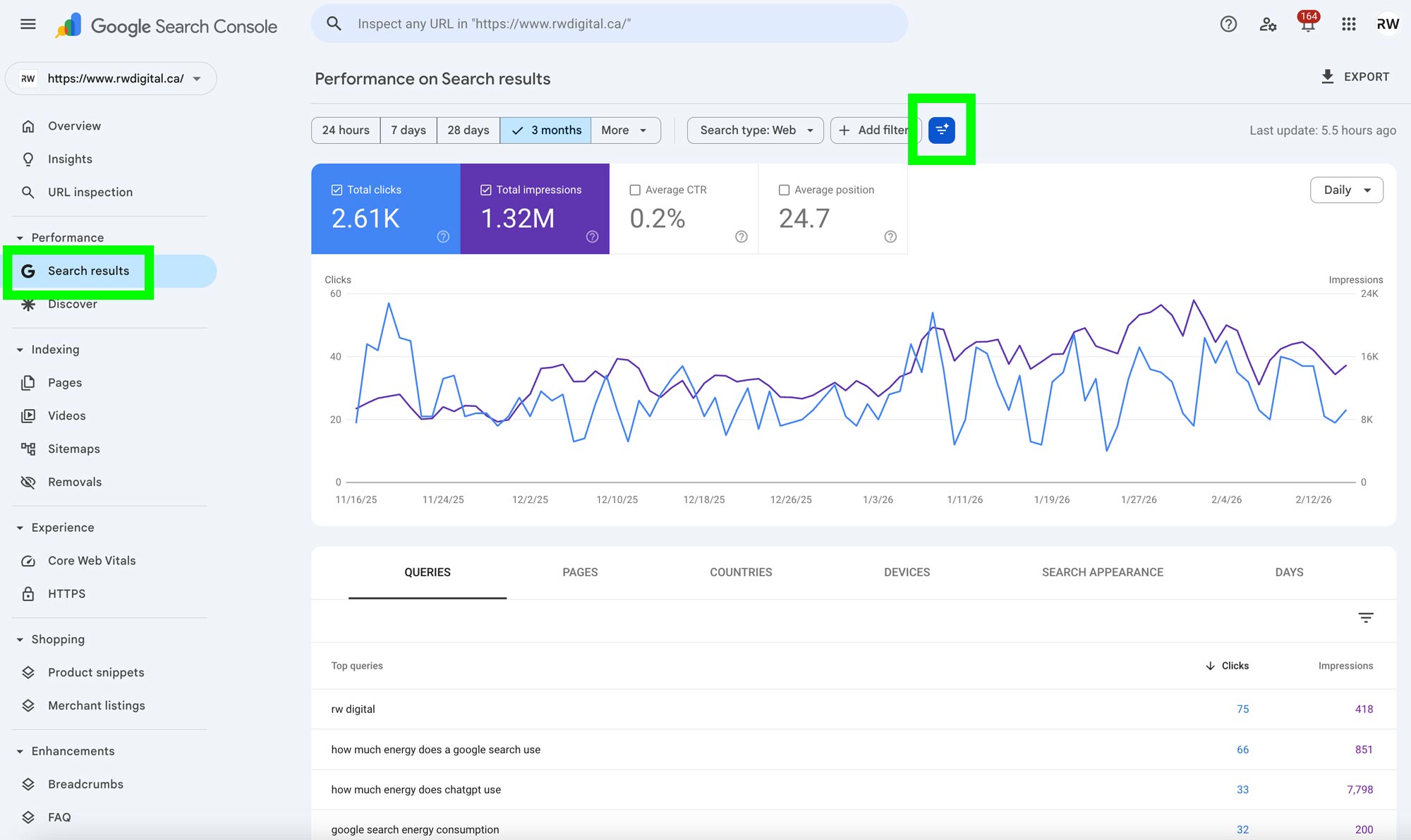
To use the tool, go to Search results and click on the AI icon.
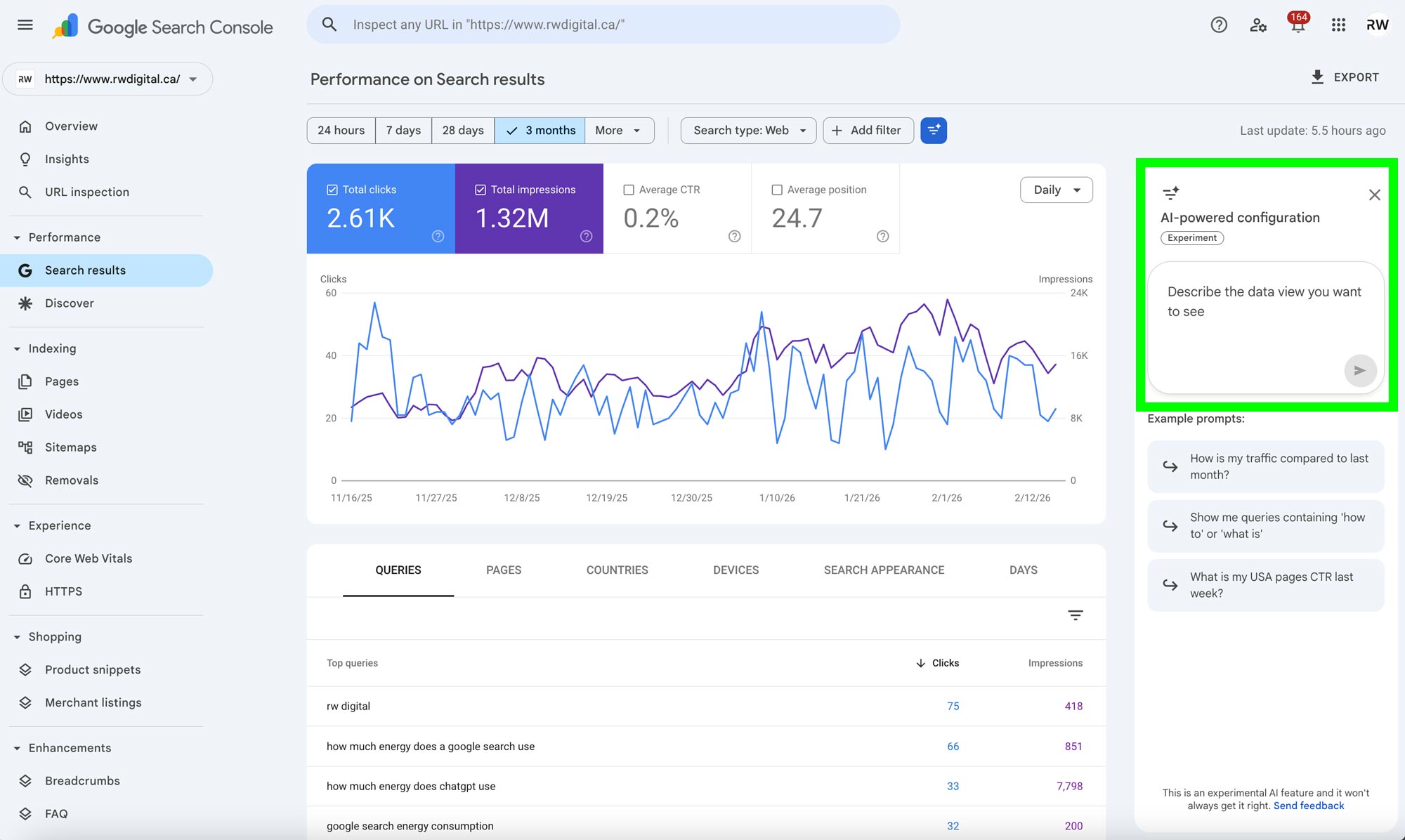
Once clicked, you can enter a question in the prompt box on the right-hand side.
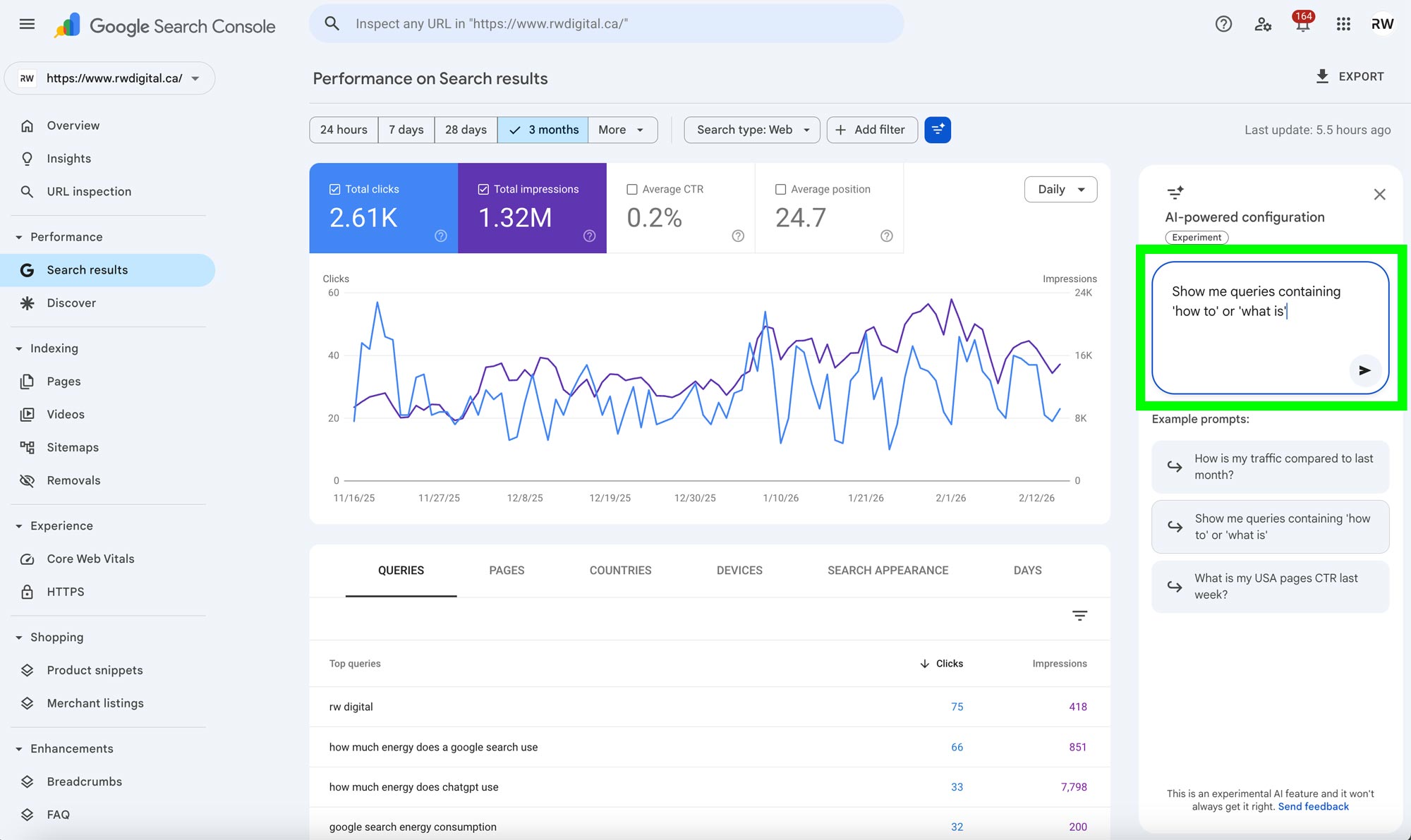
After you enter a question, Google Search Console will create filters and deliver, configure comparisons, or select metrics an answer.
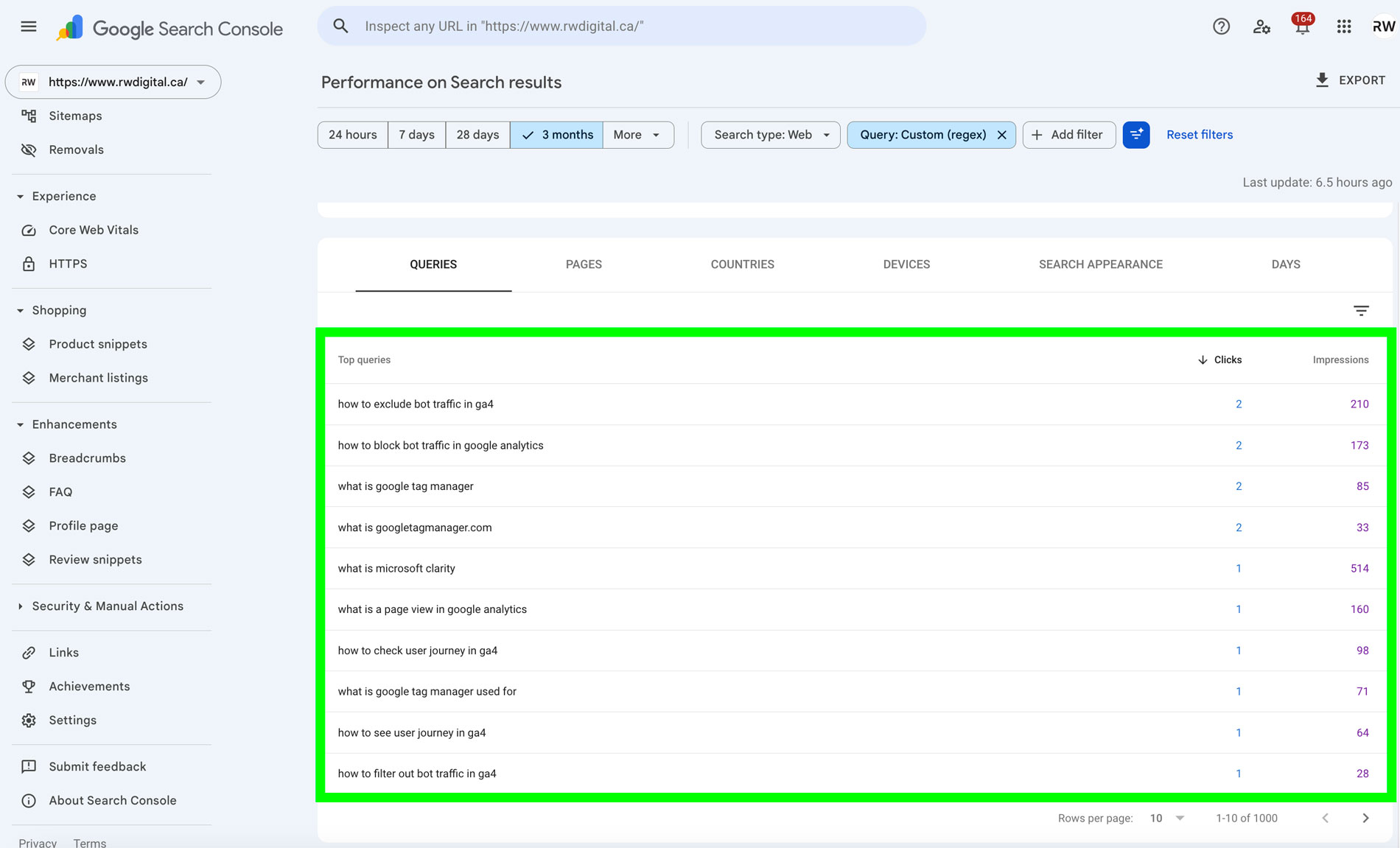
The new AI feature is designed to increase efficiency when retrieving answers from the Search Results report in Google Search Console. However, the answers may not be perfect, so it’s best to take them with a grain of salt.